Every screen, and what it is for
The whole app, in the order you will meet it. Everything that records your data is free; the parts of the one $2.99 USD unlock are marked.
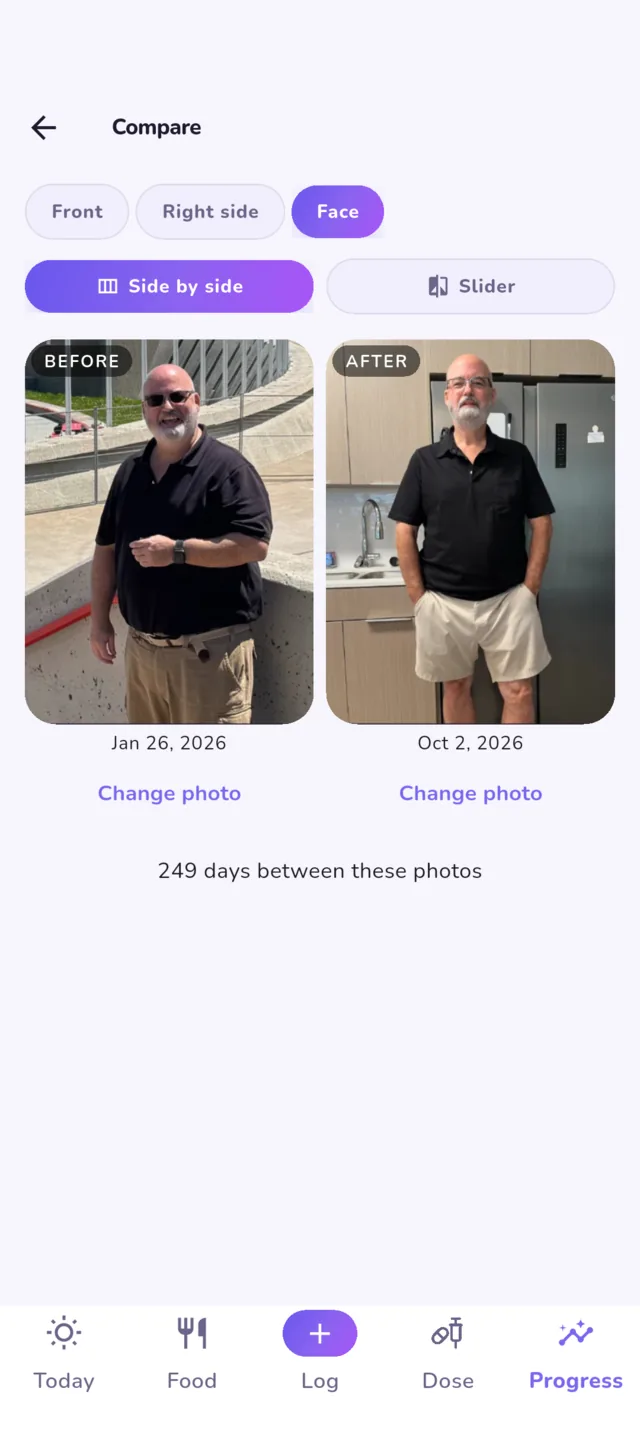
The screens show sample journeys made up for this tour. The journey card and the before-and-after photos are the developer’s real ones.
Today
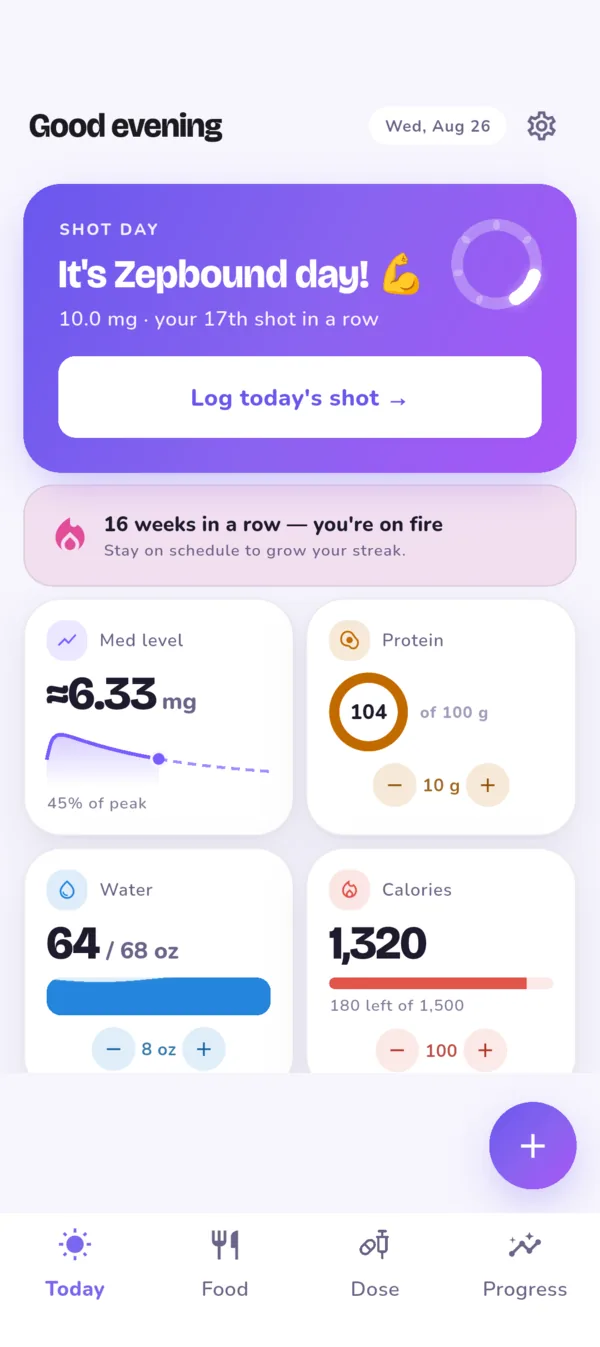
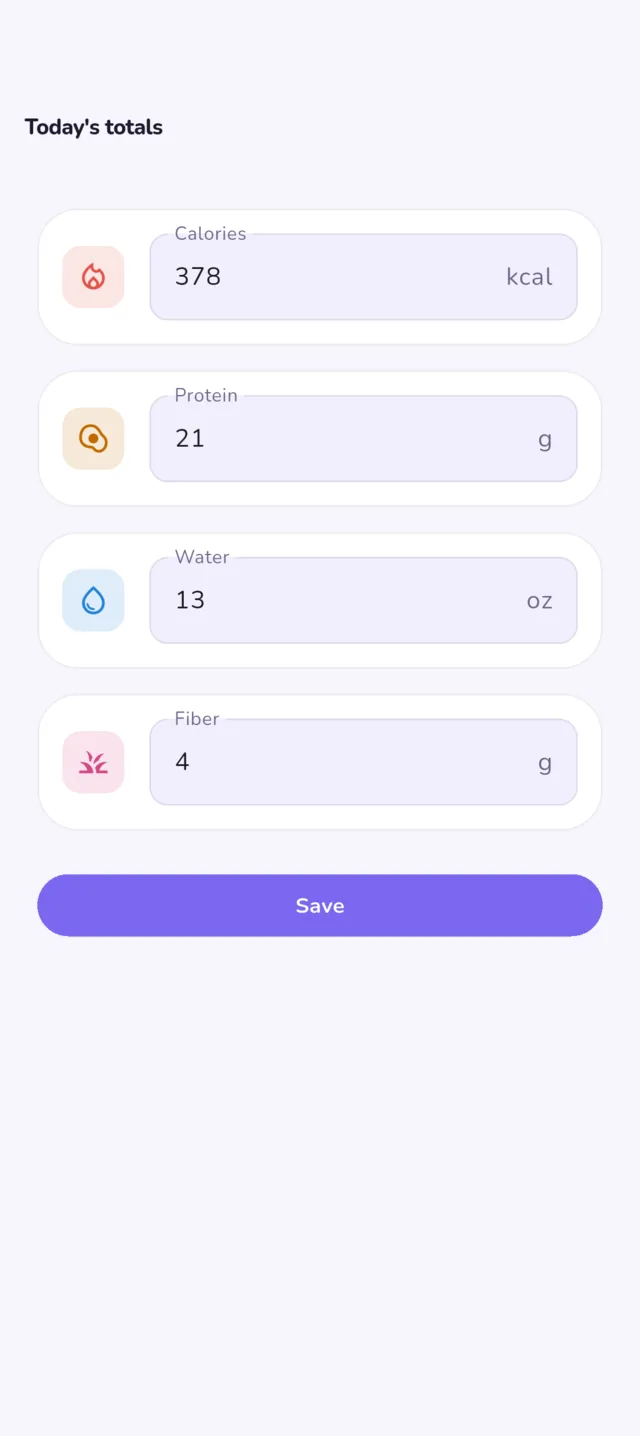
FreeThe screen you open to. It says whether a shot is due, where your estimated medication level sits, and how the day is going on protein, water, fiber and calories, with plus and minus buttons for the quick adds.
Log, in the middle of the bottom bar, opens a sheet for whatever you are logging, so a dose, a snack or a bad afternoon is two taps from any tab.
Doses, sites and supply
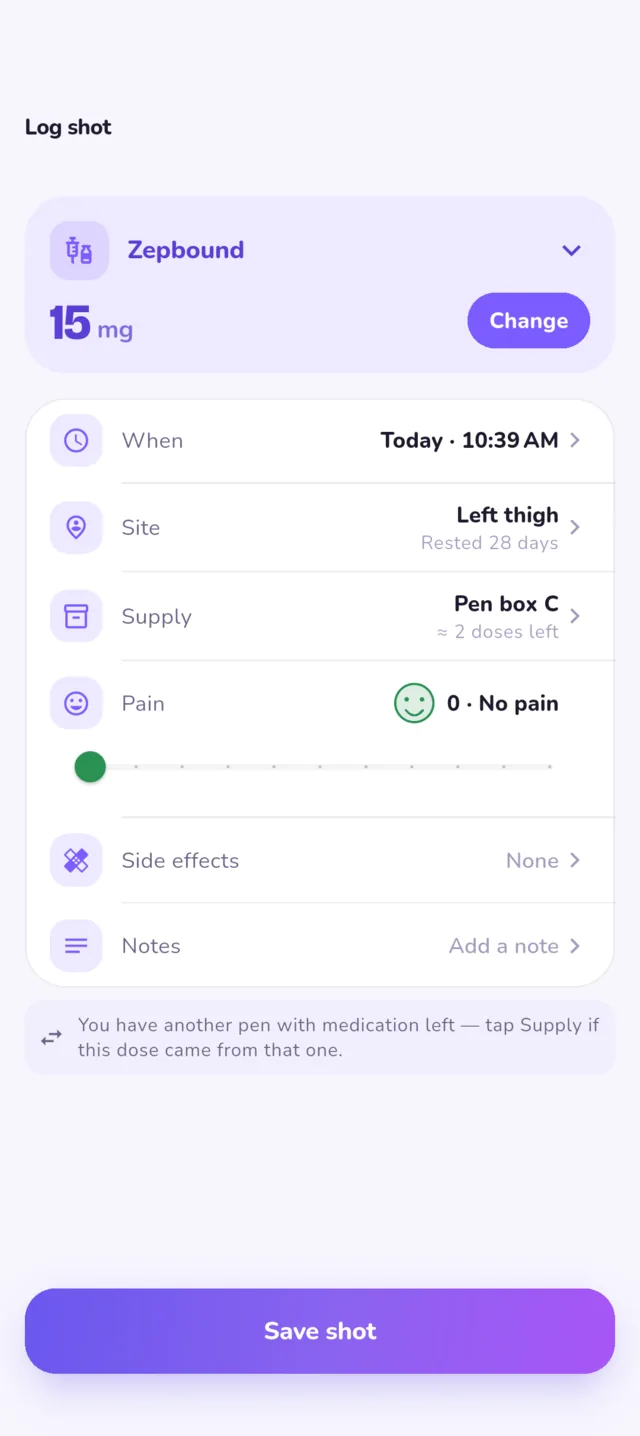
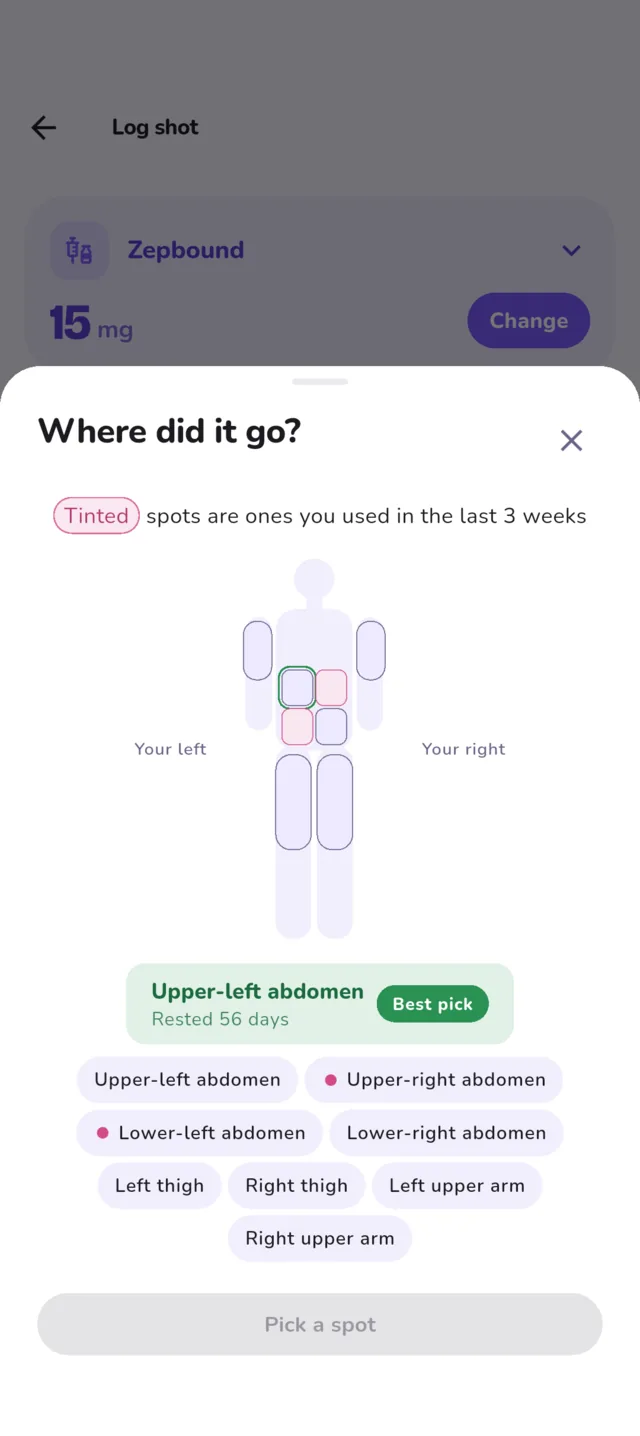
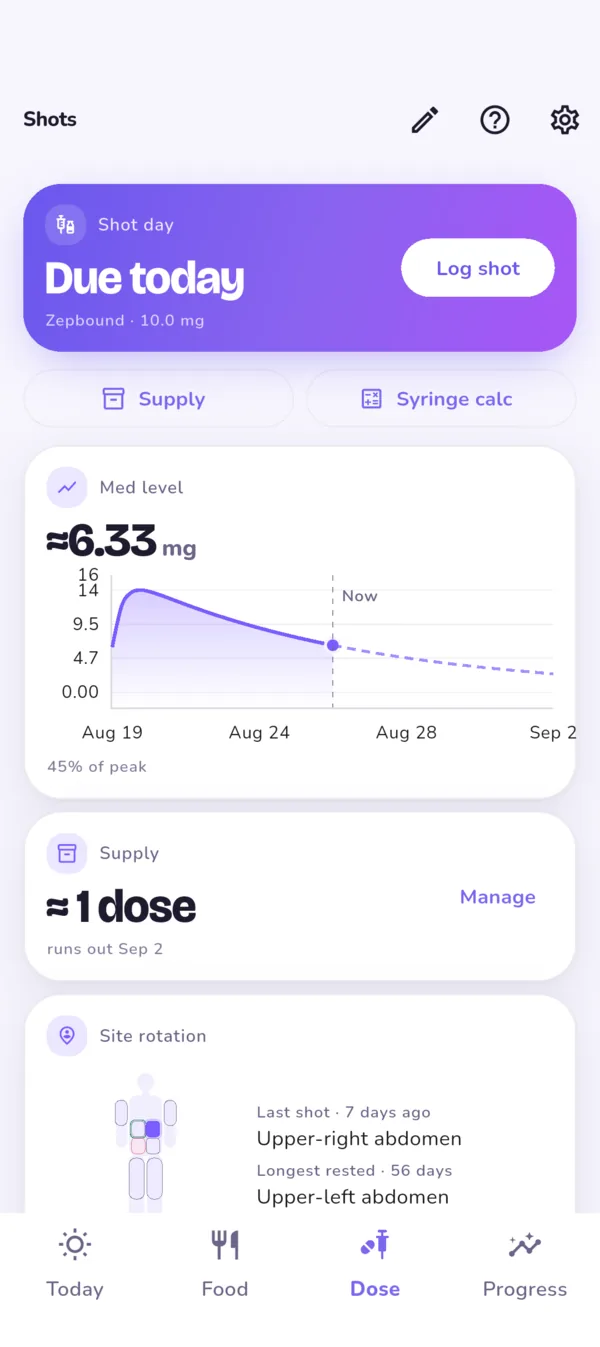
FreeLog a shot with the medication, dose, site and pen pre-filled from last time. Logbook keeps the injection-site rotation: the site picker tints the spots you used in the last three weeks, shows how long each one has rested, and marks the longest-rested as the best pick. Pens and vials are counted, so the app can say when you will run out and when to reorder.
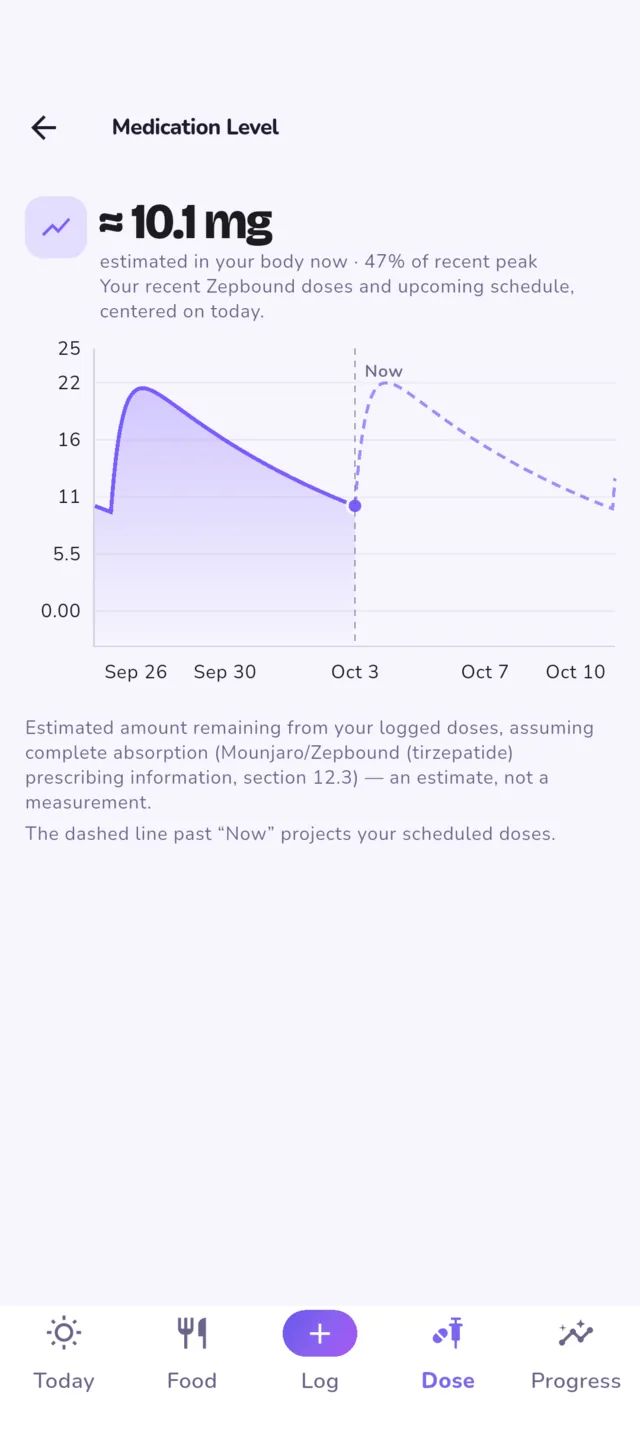
The medication-level chart estimates where you are between shots from your own dose history, for every common GLP-1. It is a picture of what you took, not advice about what to take.
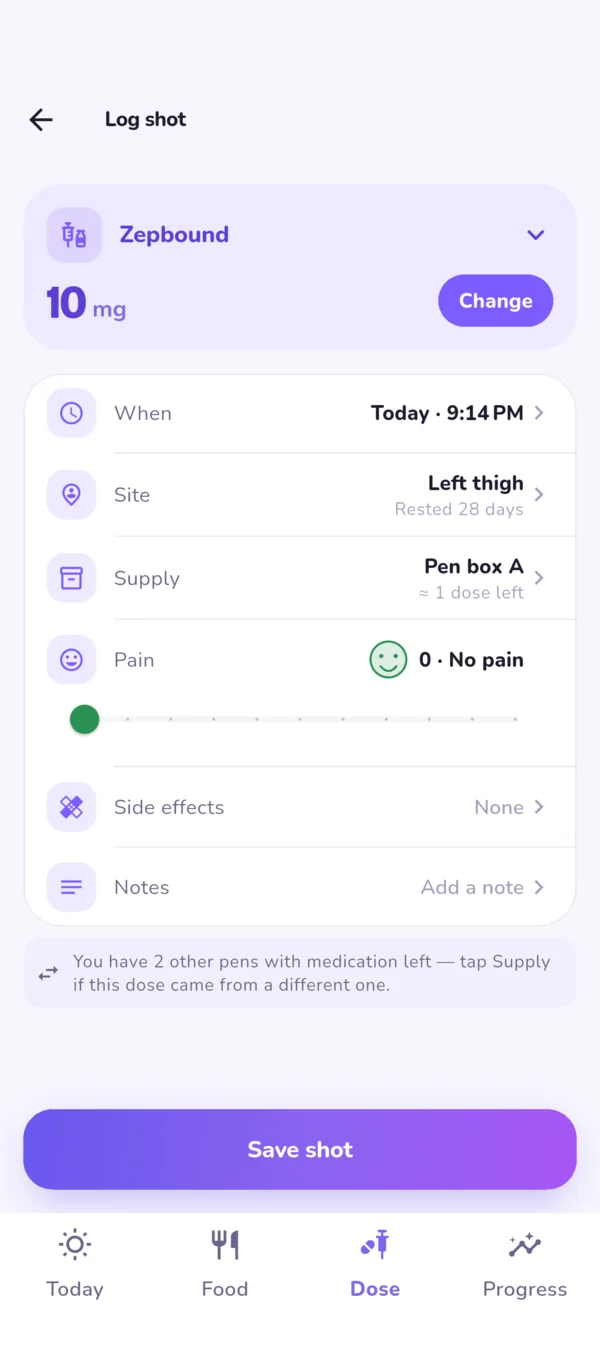
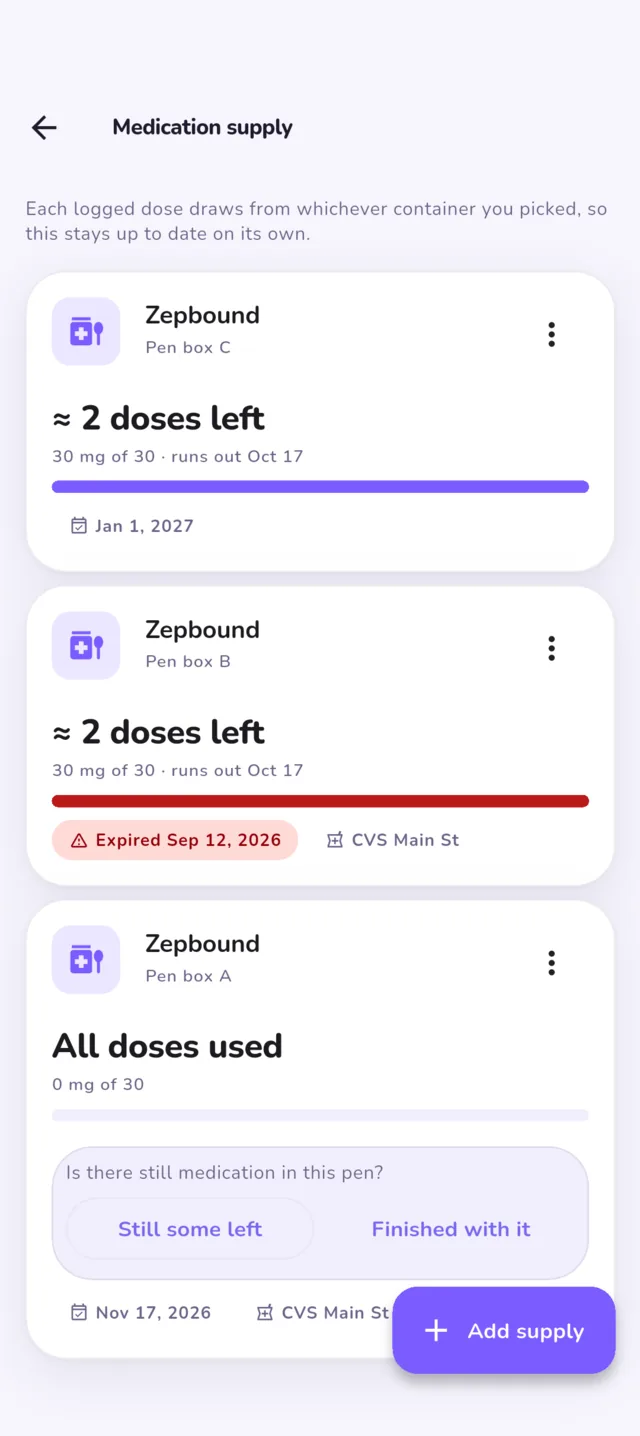
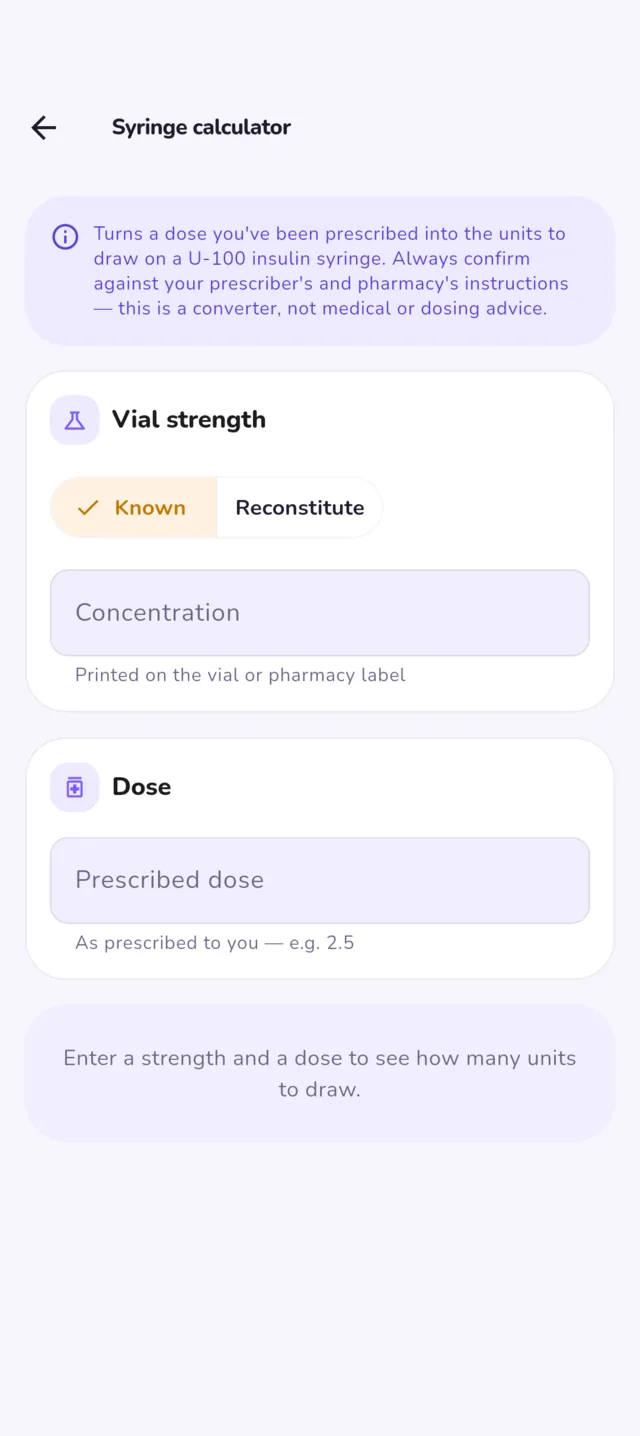
Presets for Zepbound, Mounjaro, Wegovy, Ozempic, Rybelsus and Wegovy oral, plus compounded semaglutide and tirzepatide. A pen or a tablet, whichever you are on. Anything else, add it by hand.
Food, water and meals
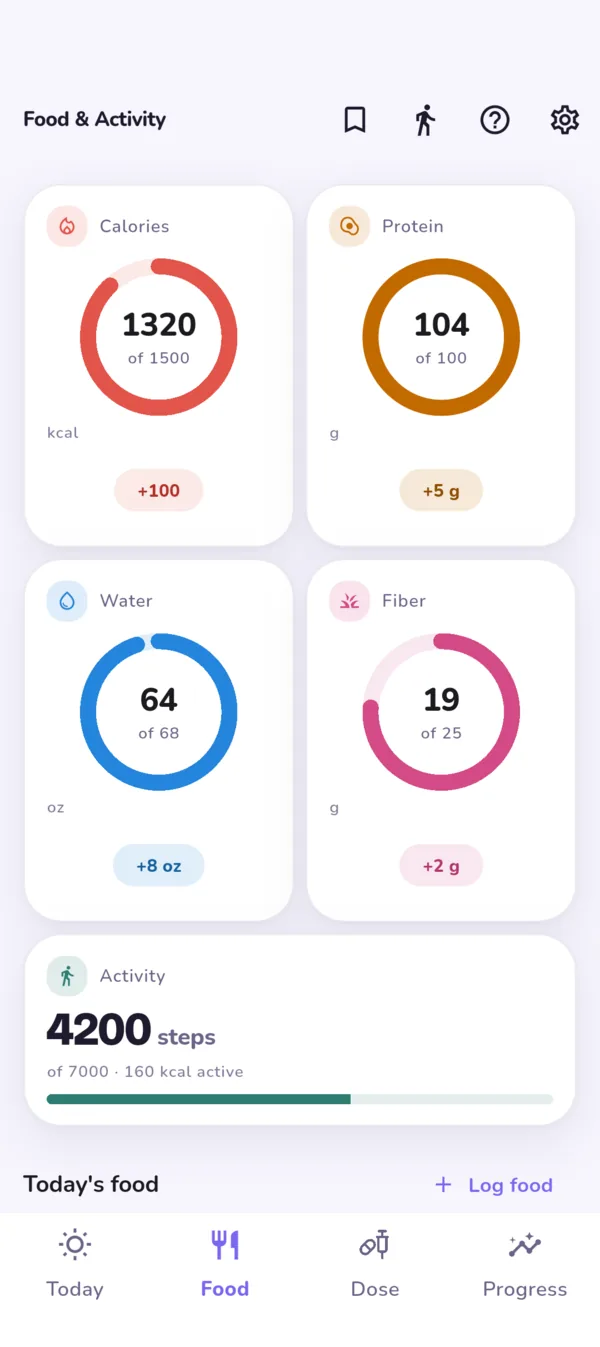
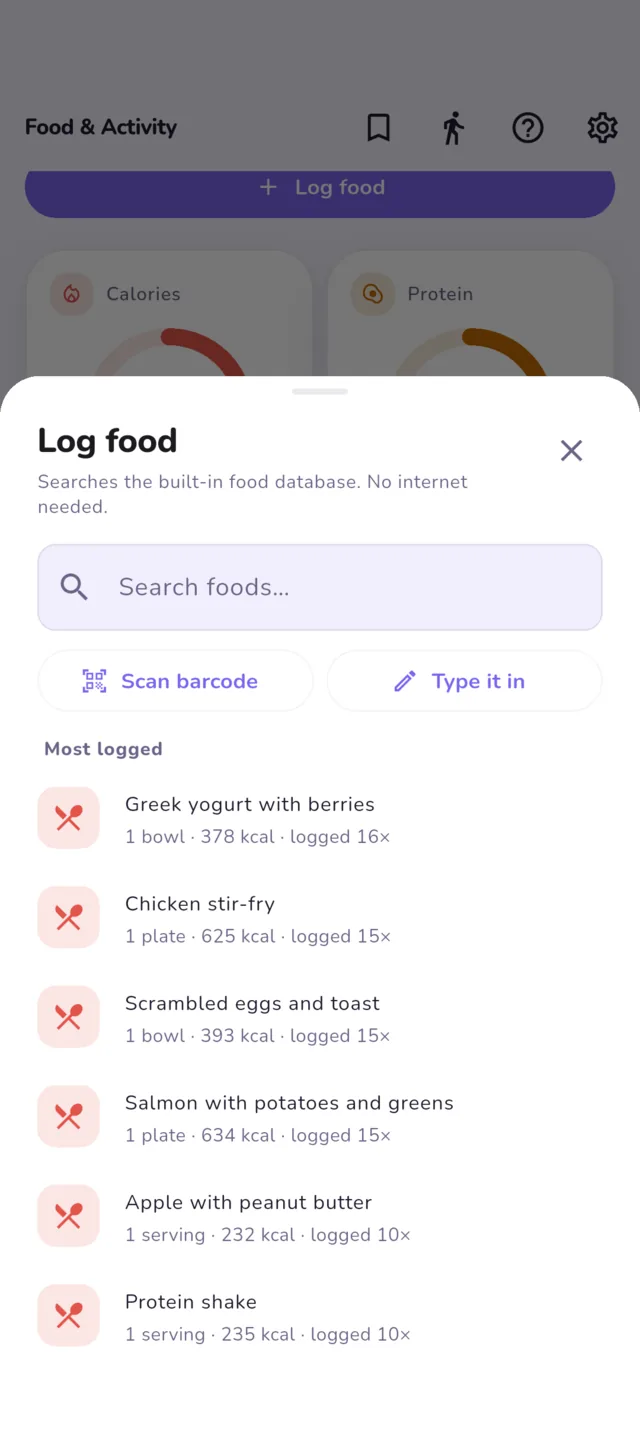
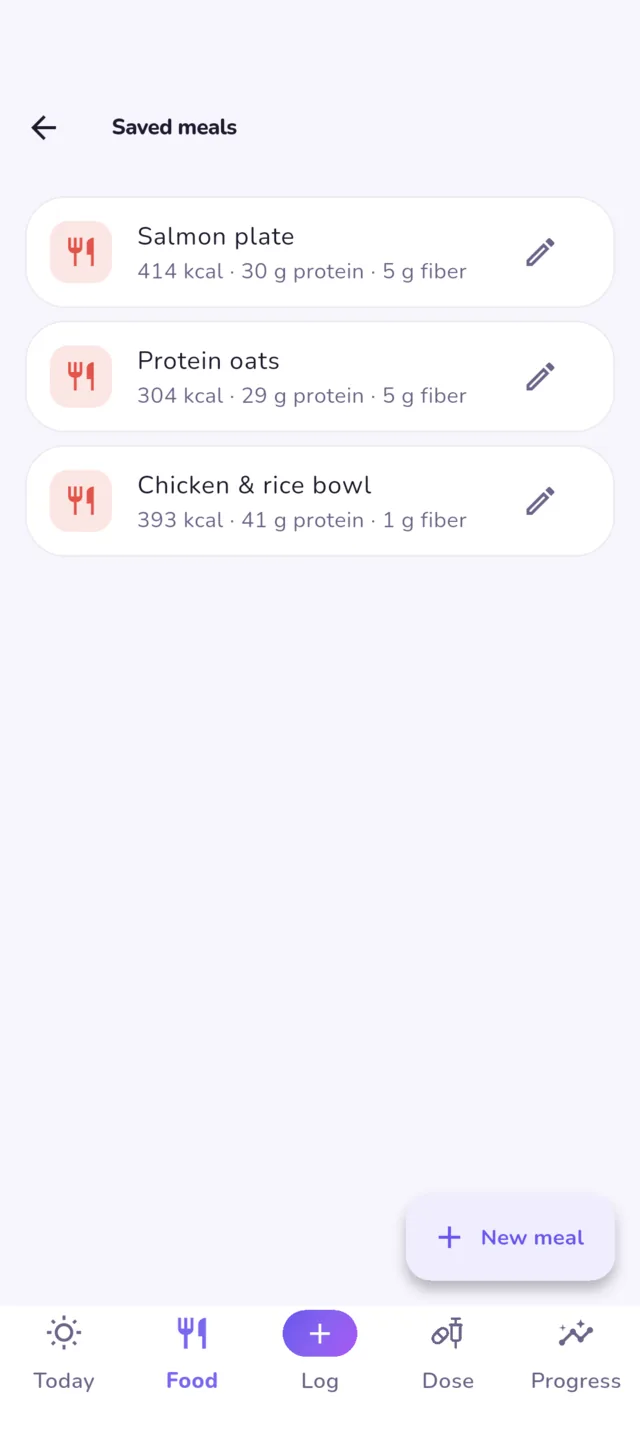
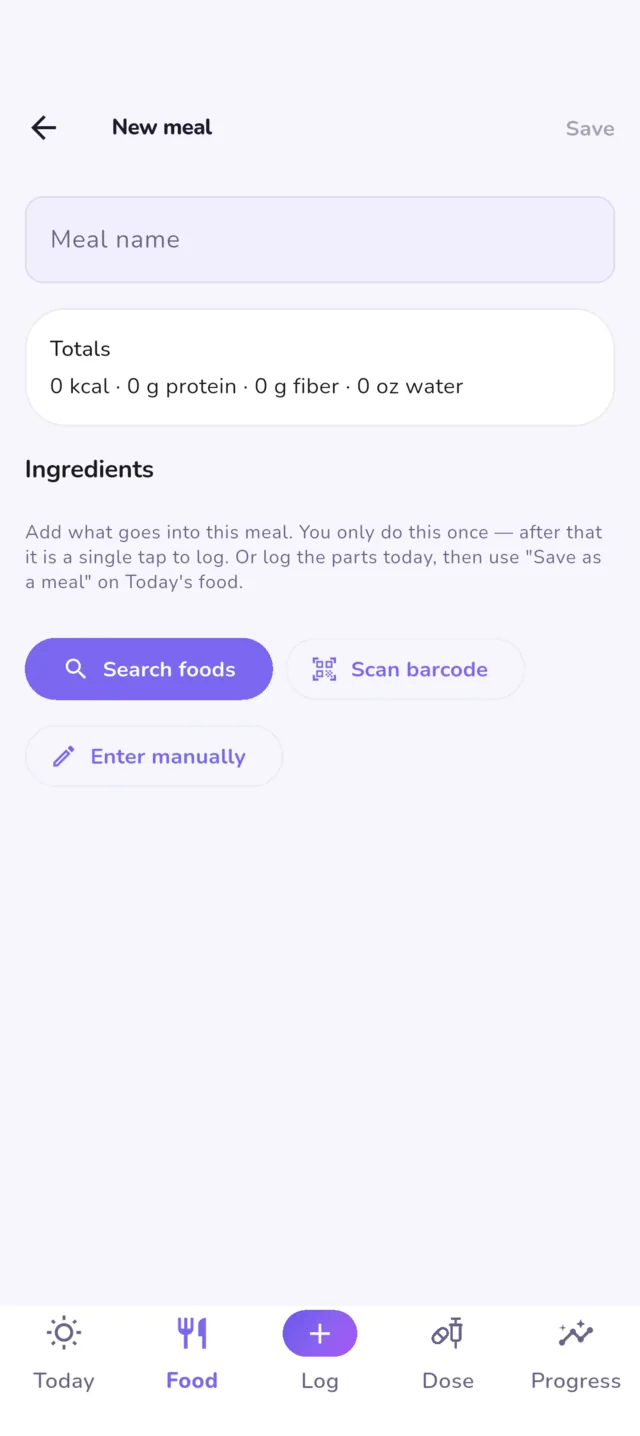
Free Unlimited saved meals in the unlockRings for calories, protein, water and fiber, and a log of what you ate. The food database ships inside the app, and the barcode scanner checks it first, so both work with no signal. Save the meals you eat every week and log them in one tap.
Two optional switches can reach the internet for products the offline database does not know: barcode lookup and online search. Both are off until you turn them on.
Weight and measurements
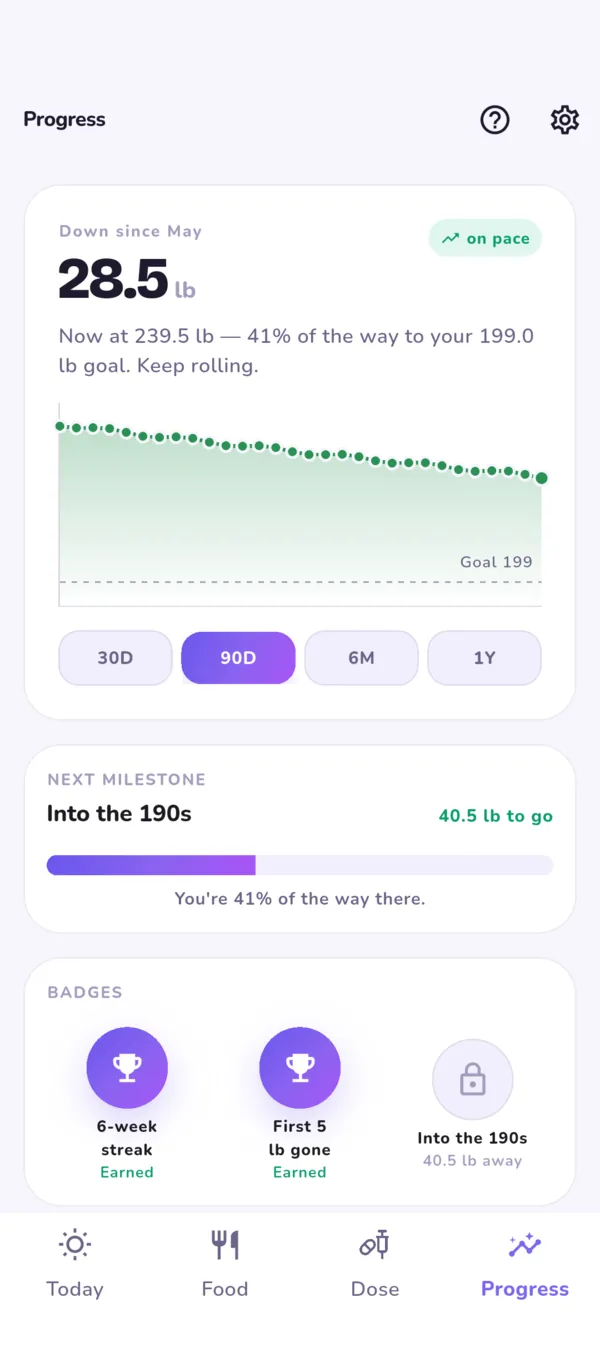
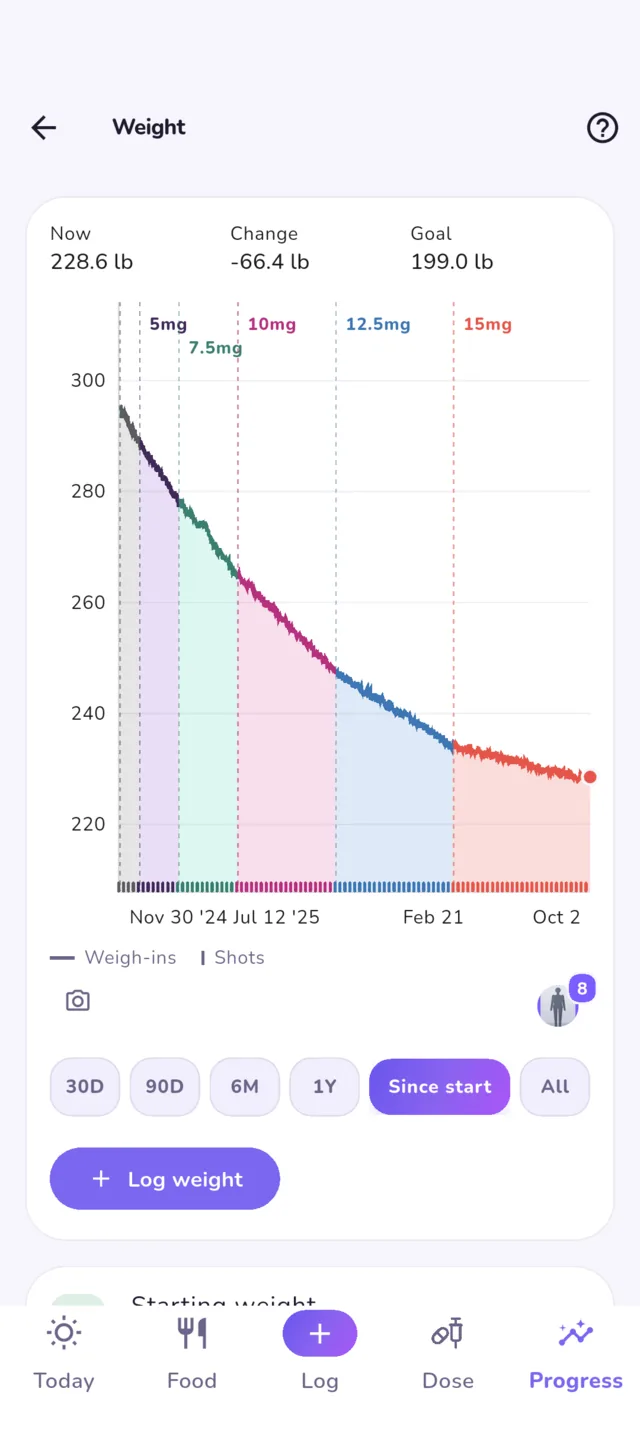
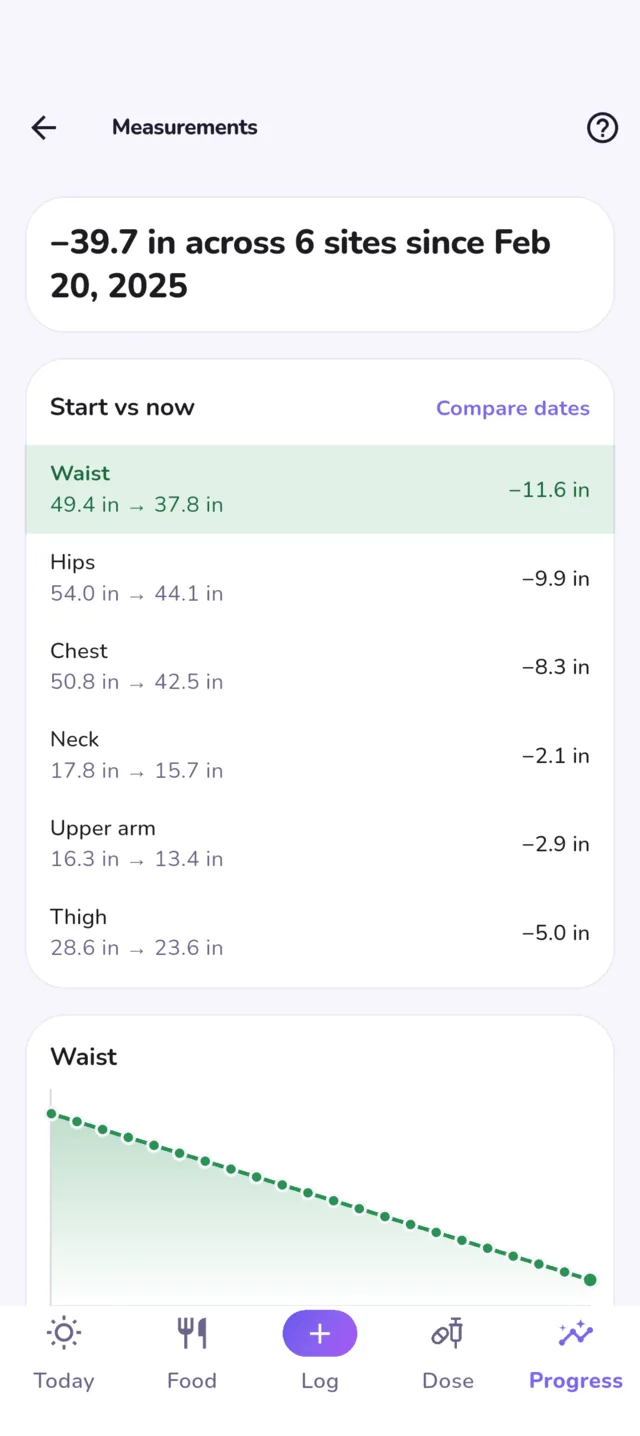
FreeYour weight trend with each dose shaded as its own band, a weekly average, the next milestone, and how far you are toward your goal. A gap in your weigh-ins is bridged with a faint line, so a few missed weeks do not read as two journeys. Body measurements by site, with a trend for each.
Weigh-ins can come from Apple Health or Health Connect, read-only. If you want them to stay put, one tap copies them into Logbook as ordinary entries, on your phone, so disconnecting or reinstalling does not take them away.
Progress photos
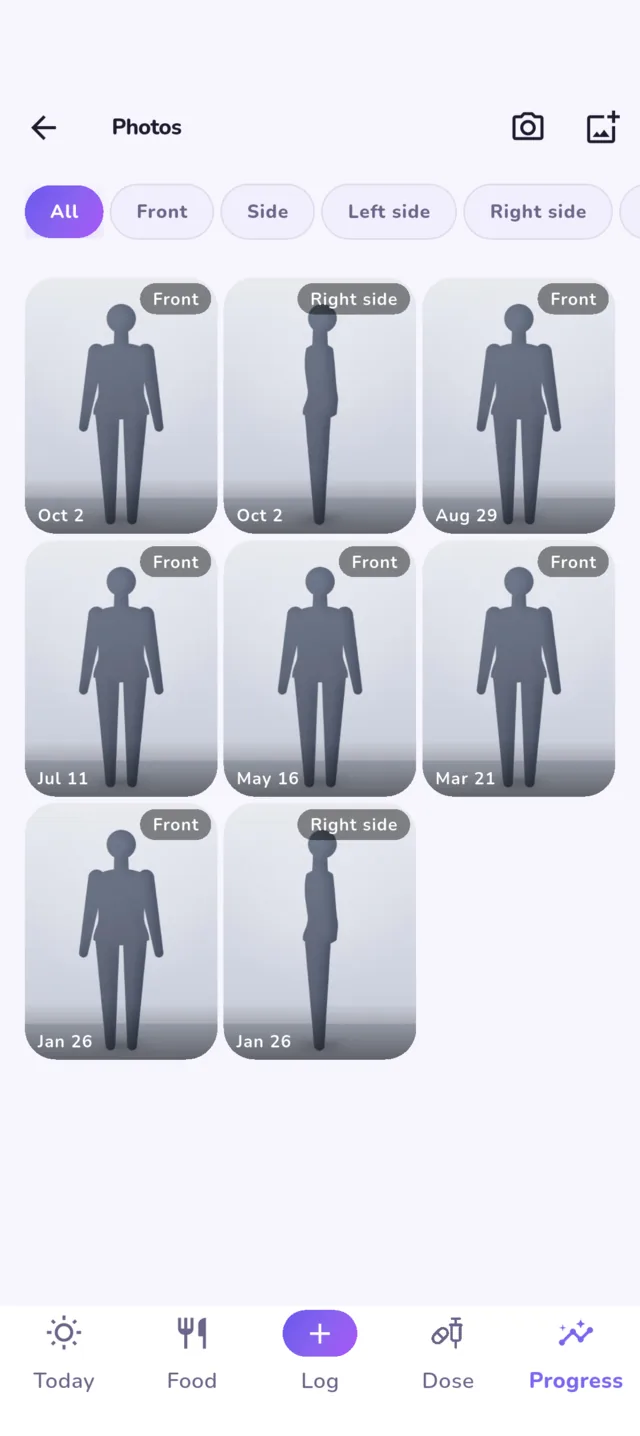
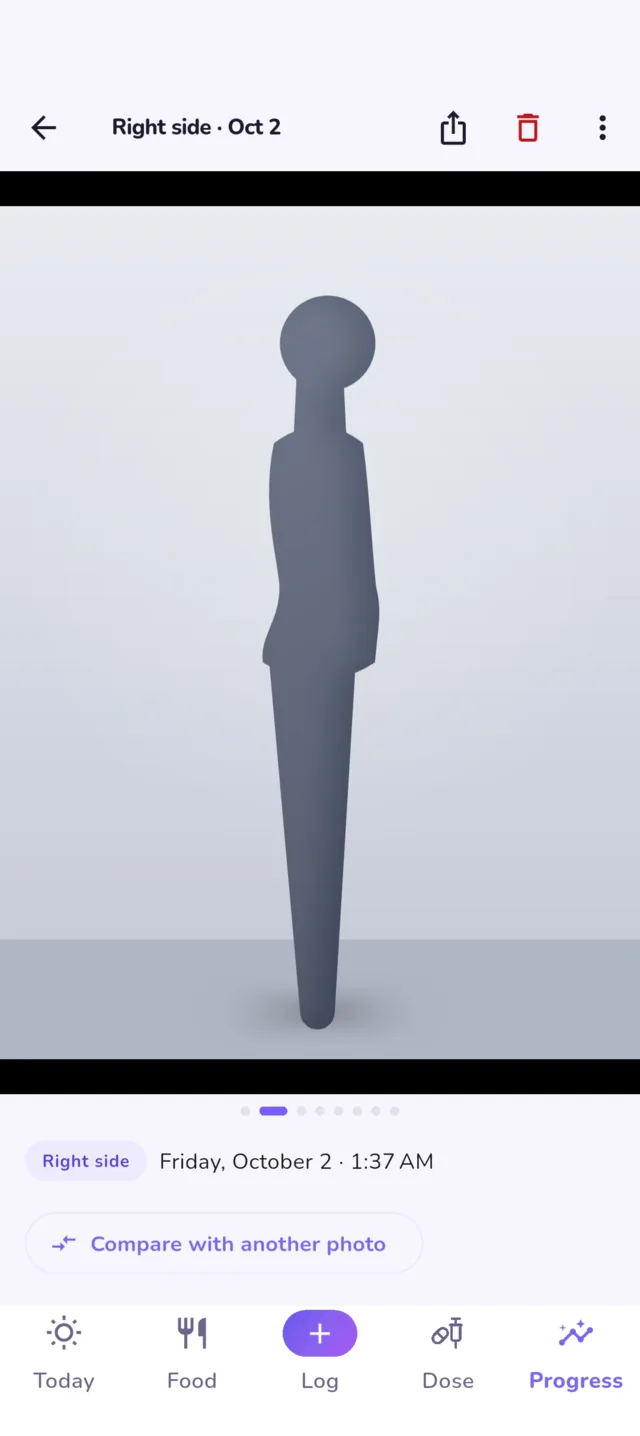
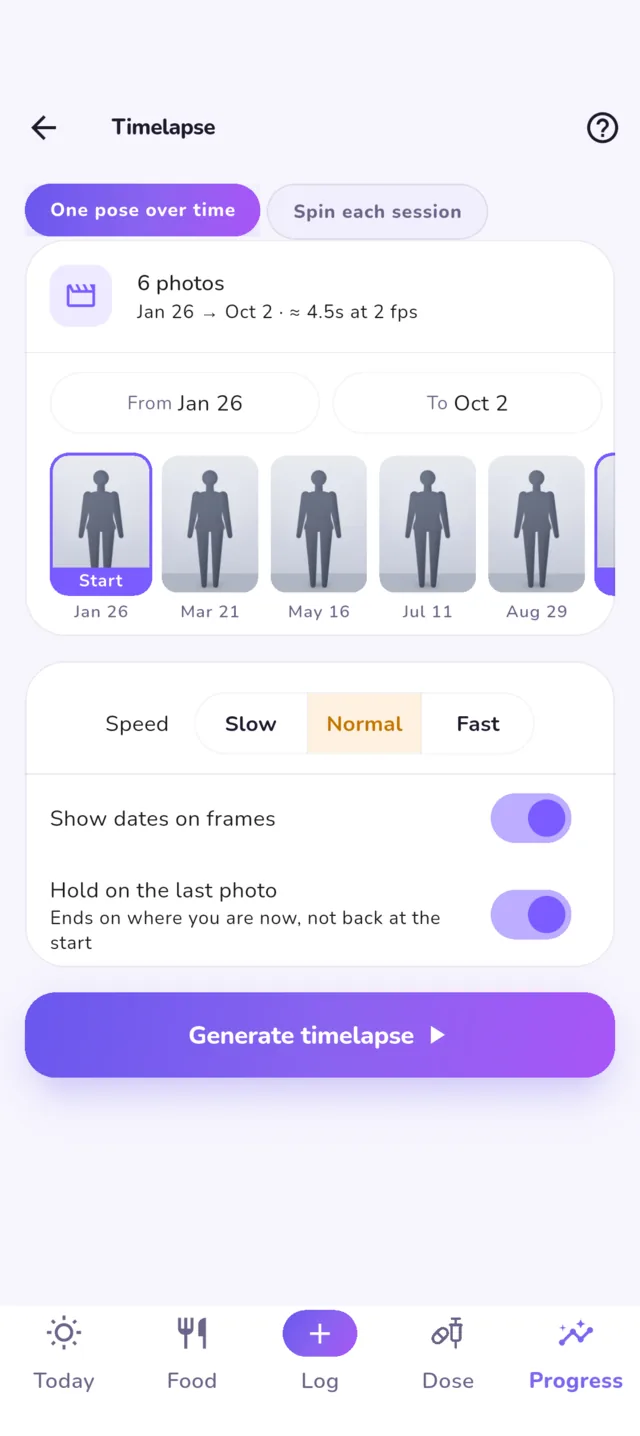
Photos are free Lining up, compare and timelapse in the unlockTake or import photos by pose, front, side, left and right, and Logbook keeps them in its own private storage with location and camera data stripped. They are never added to your camera roll and never uploaded. Import a batch at once: each gets its date and pose, and the weight from the day it was taken. Framing a single photo is free.
The unlock lines every photo in a pose up to one you pick, so thumbnails, compare, the journey card and the camera guide all show them lined up, while the original stays as taken. Then drag a slider between two, or play the set as a timelapse.
Your journey card
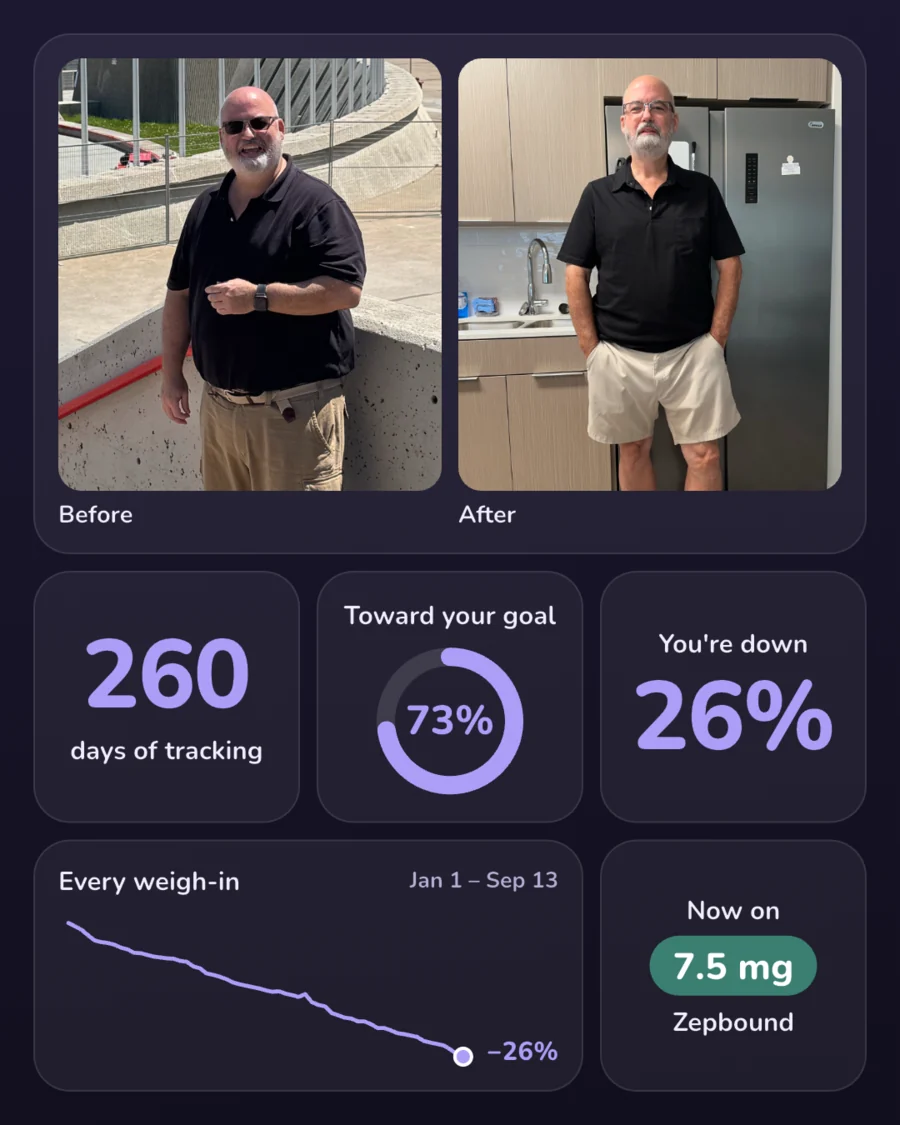
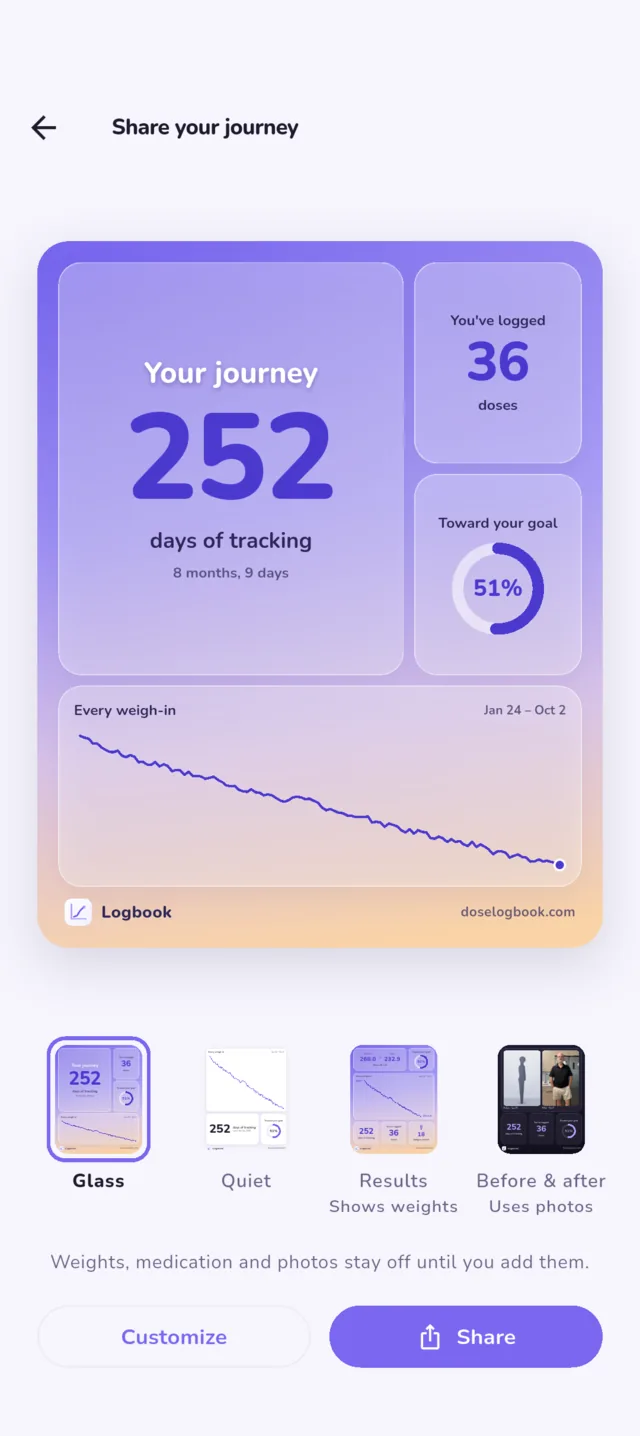
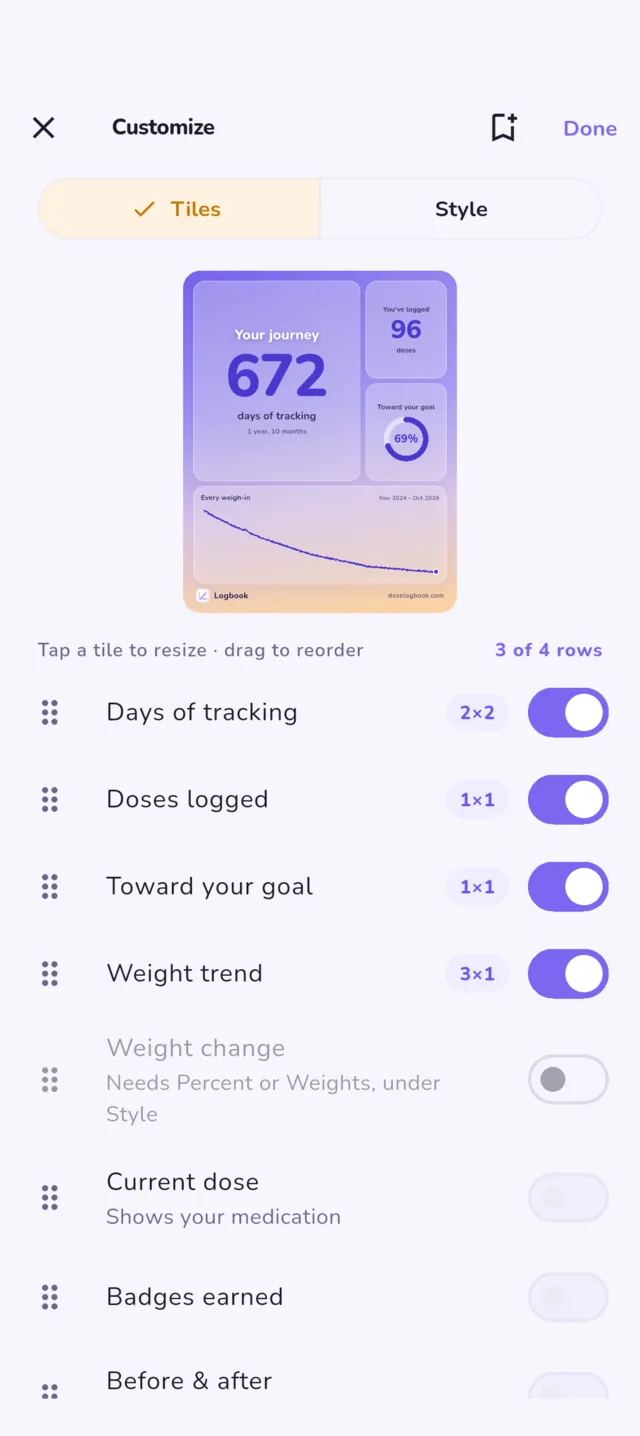
FreeA card of your journey to share, built from what you have logged: before and after photos, days tracked, how far toward your goal, every weigh-in as one line, and what you are on now. Arrange the tiles your way, pick the range, and cover or blur any part of a photo before it leaves the app.
Four starting points: Glass, Quiet, Results and Before & after. This one is the developer's, from mid-September.
Charts made to share
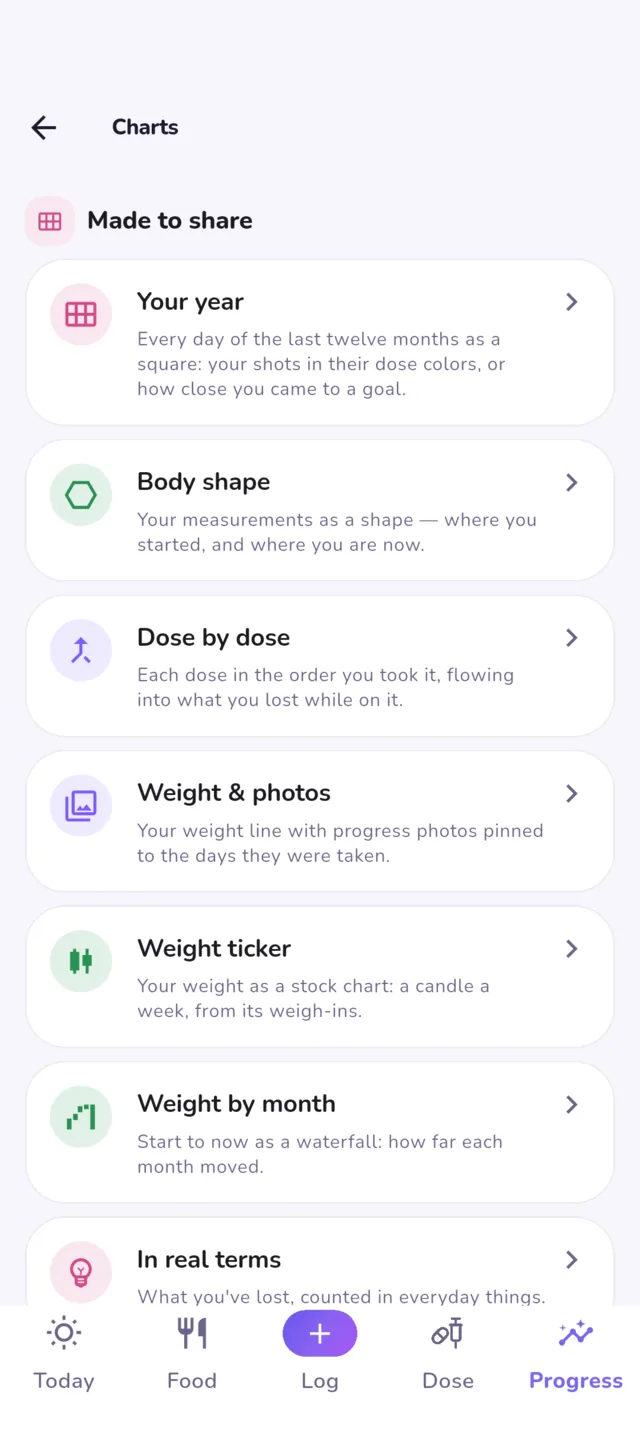
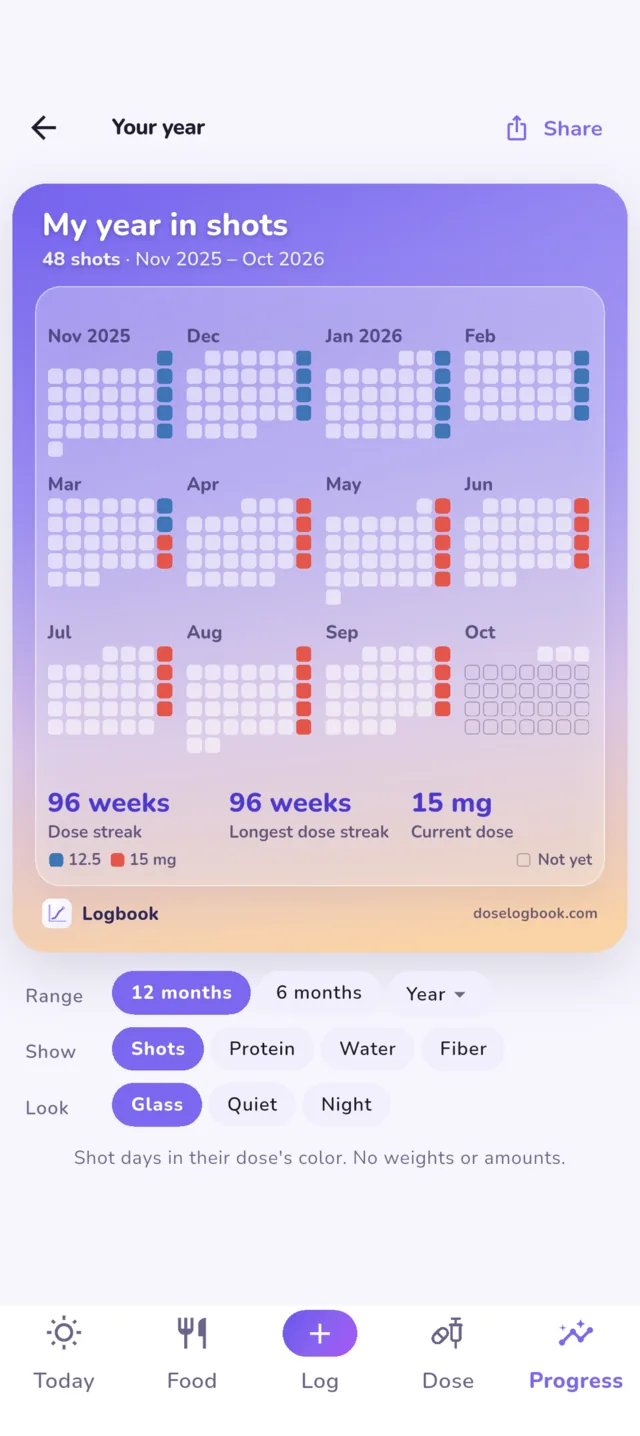
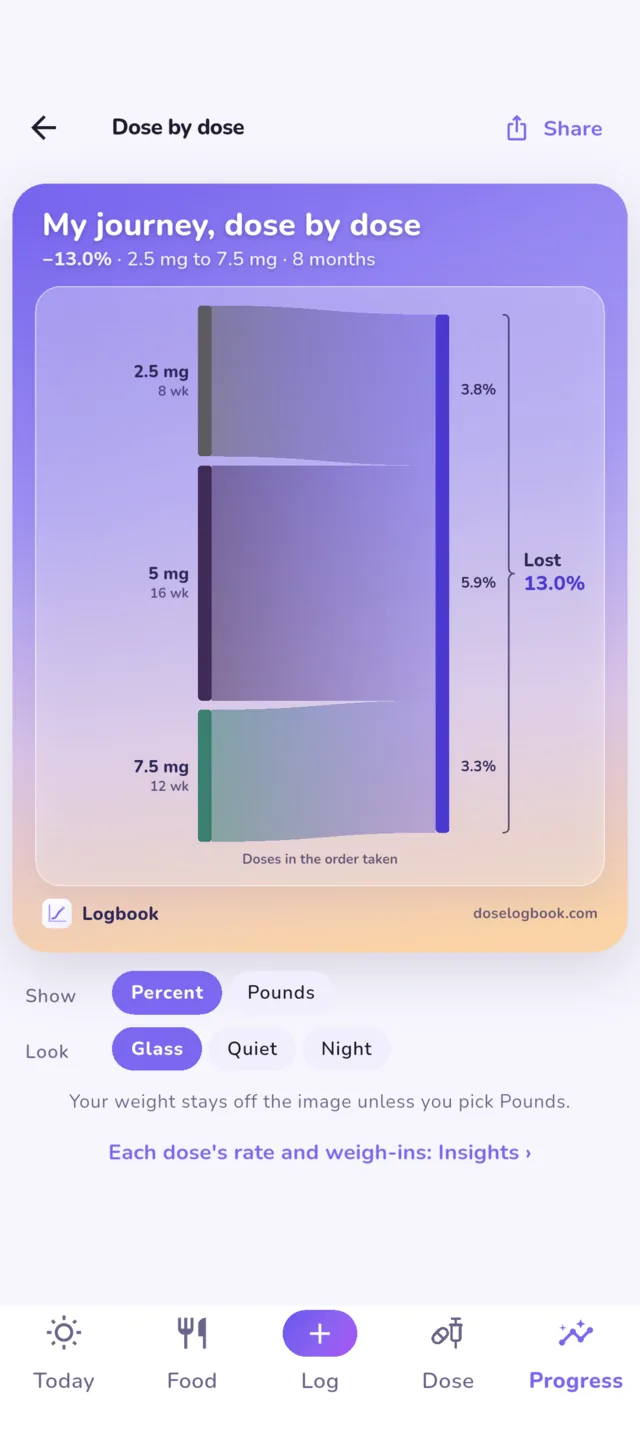
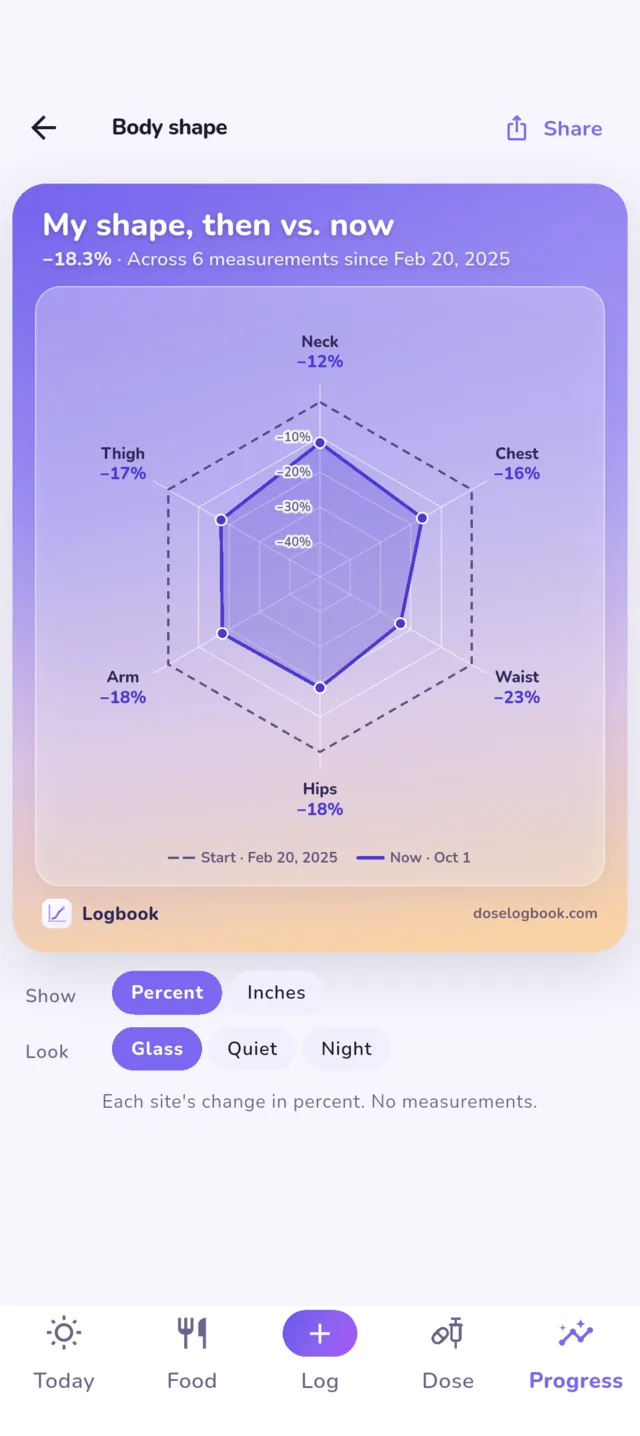
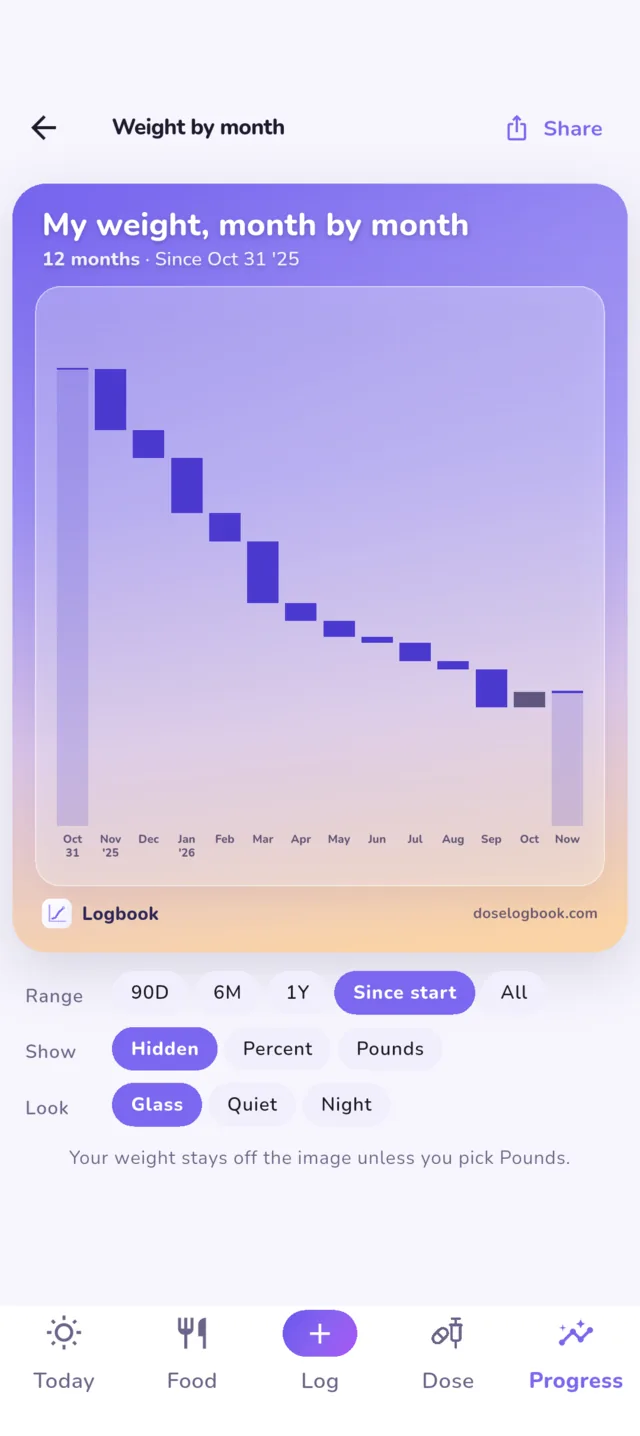
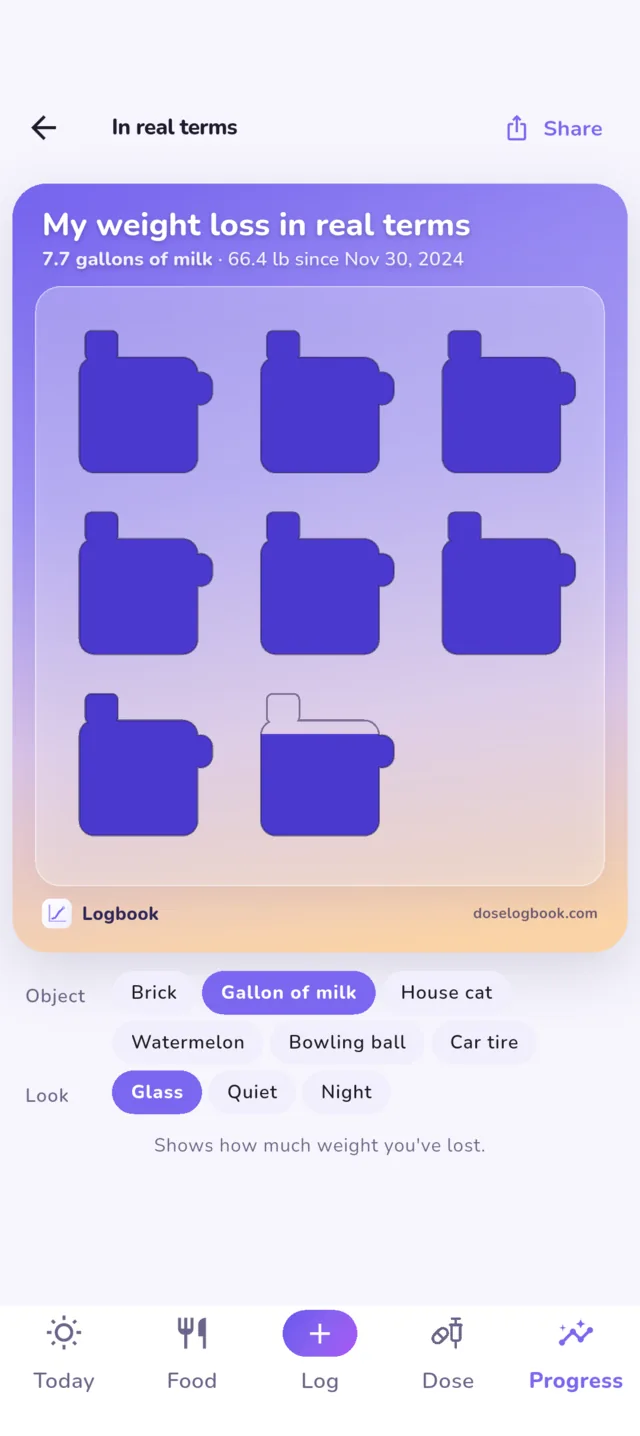
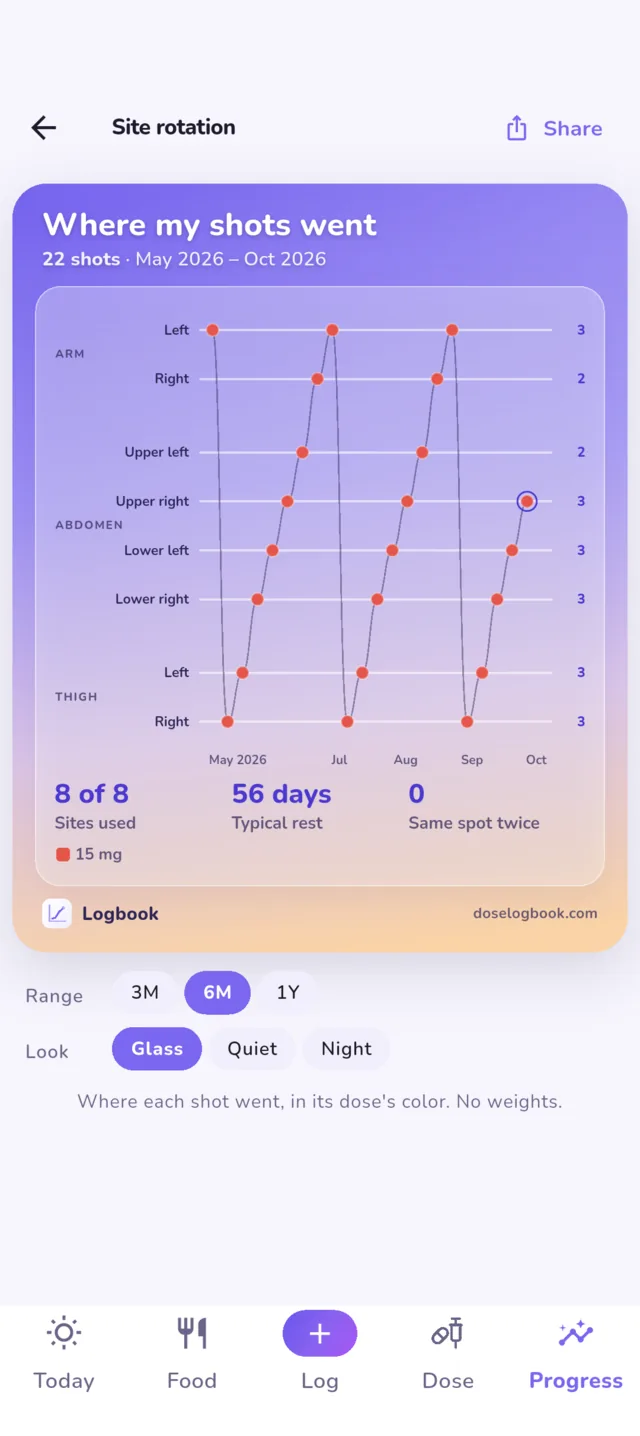
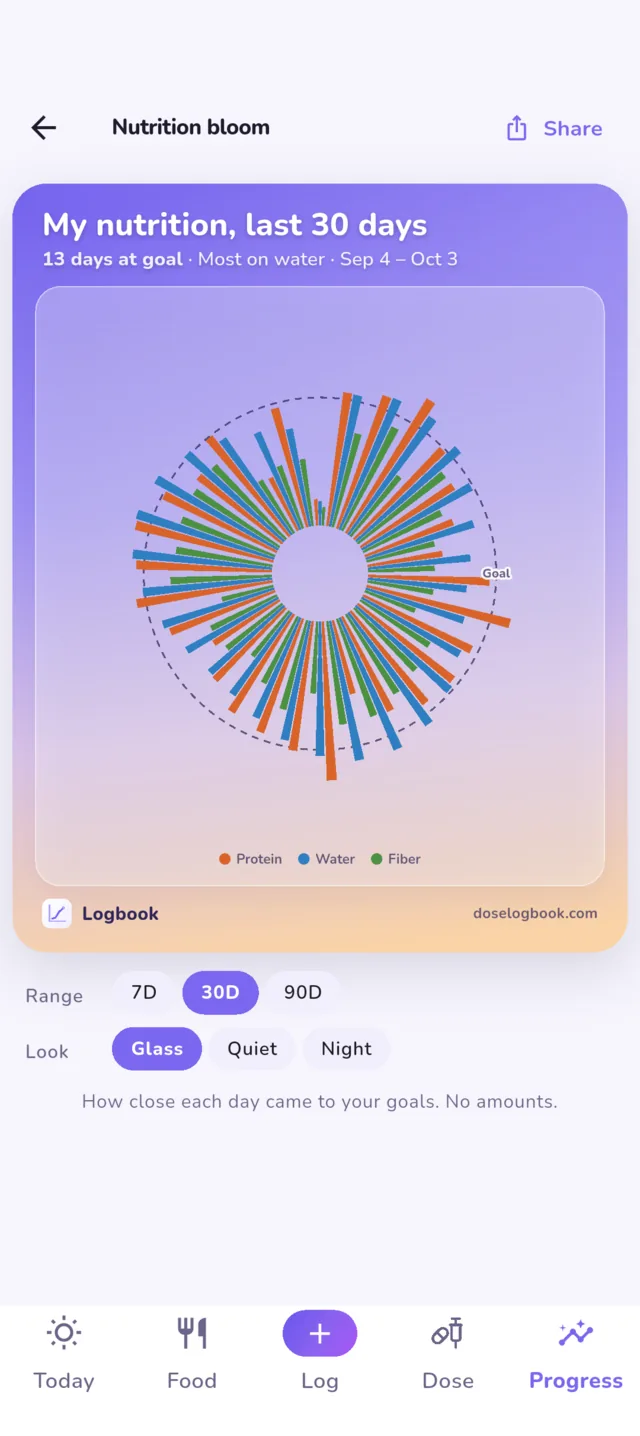
FreeThe chart button on Progress opens every chart in one place, led by ten cards made to share, each built from your own log: your year as a square a day, body shape, dose by dose, weight with your photos pinned to it, a weight ticker, weight by month, what you have lost in everyday terms, site rotation, steps by month, and a nutrition bloom.
Cards show percent by default. Your weight stays off the image unless you switch to pounds, and the image is all that leaves the app.
Insights
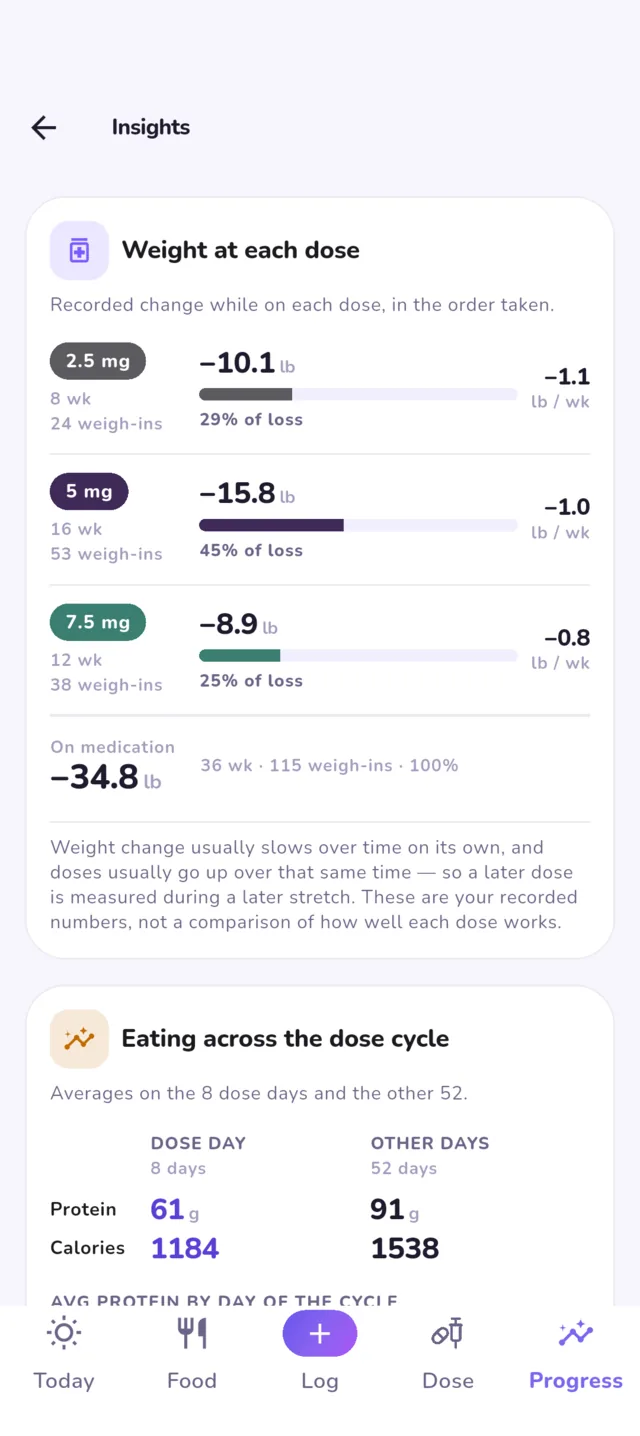
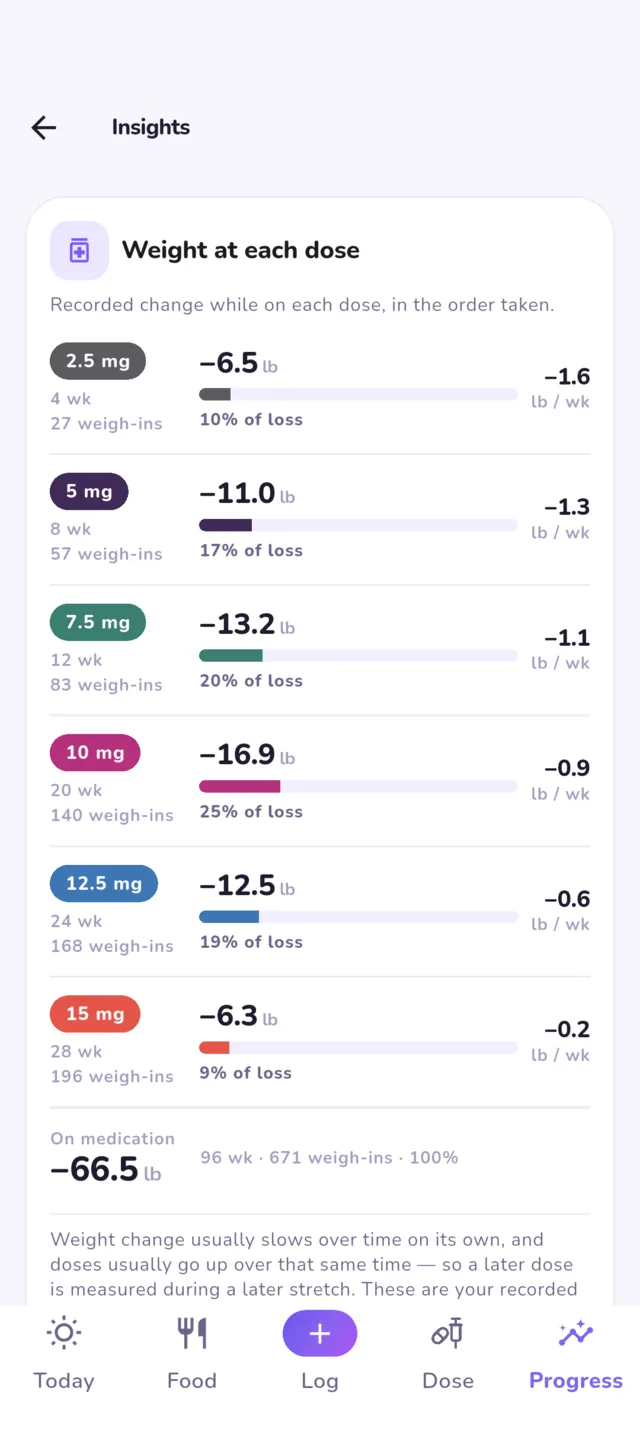
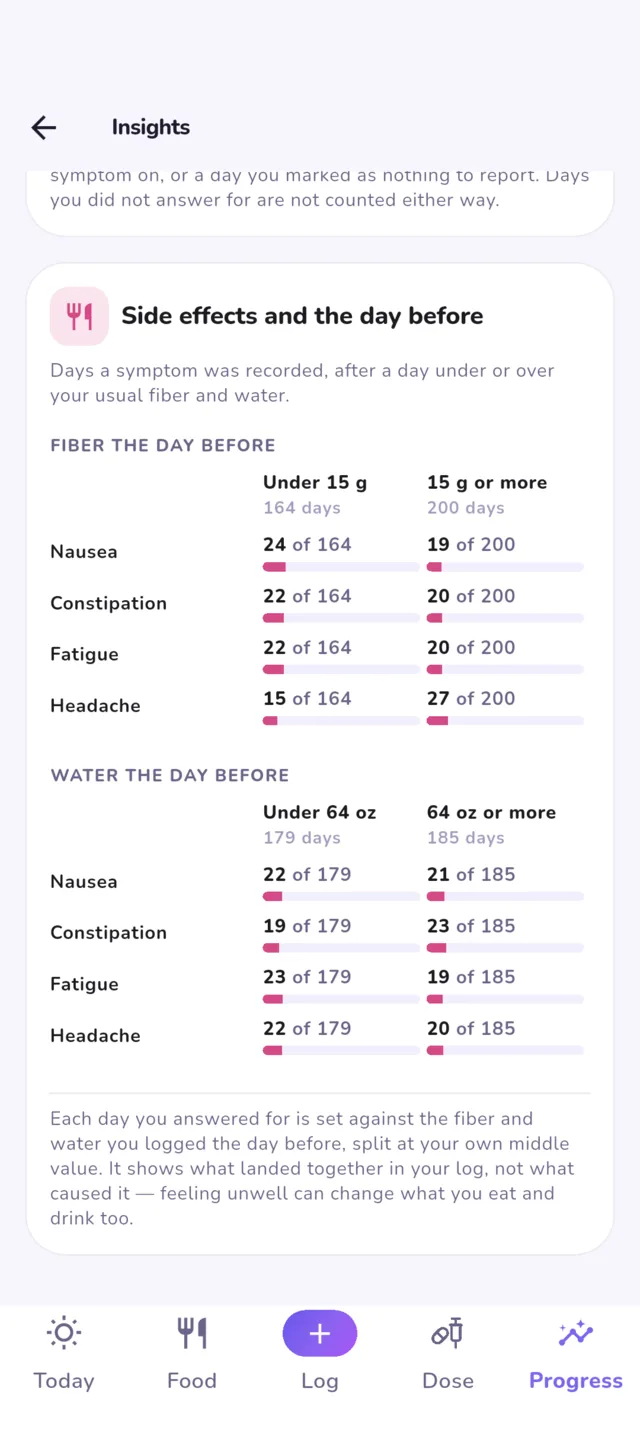
In the unlockWhat each dose did: weight change while you were on it, in the order you took them. How side effects lined up with the day before: fiber, water, and what you ate. Eating across the dose cycle, shot days against the other days. Numbers about your own record, not advice about it.
Side effects
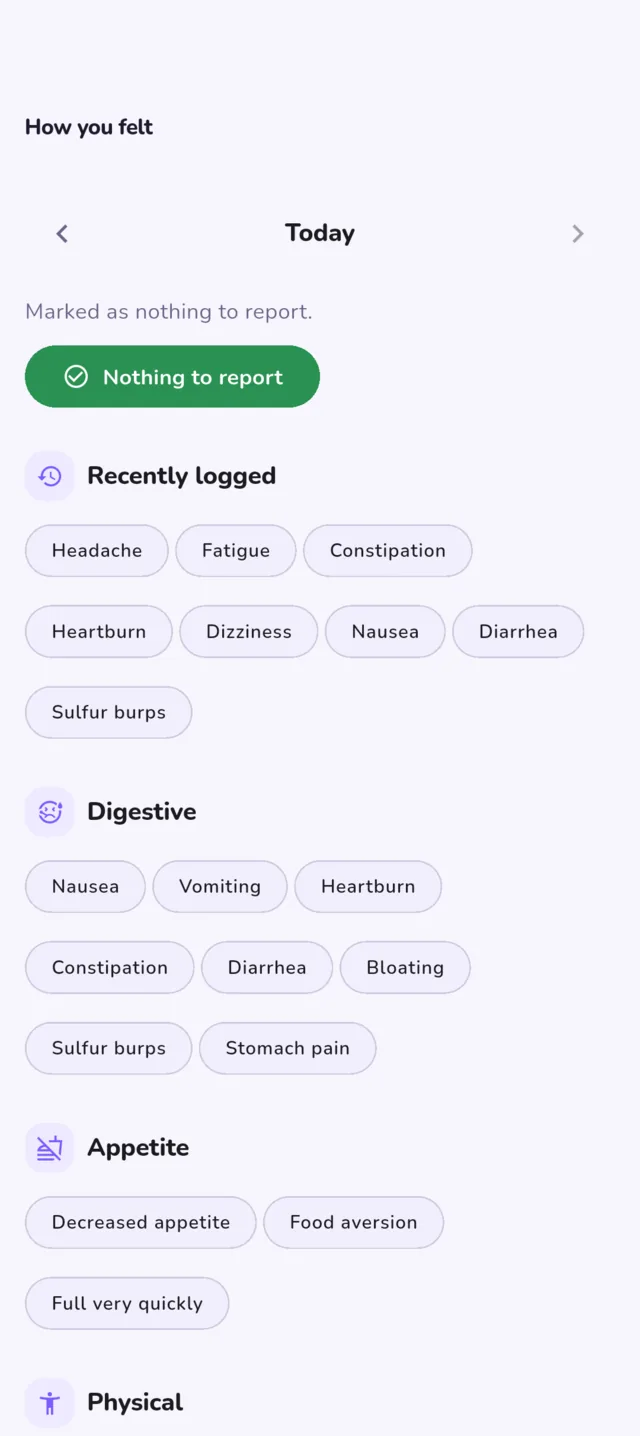
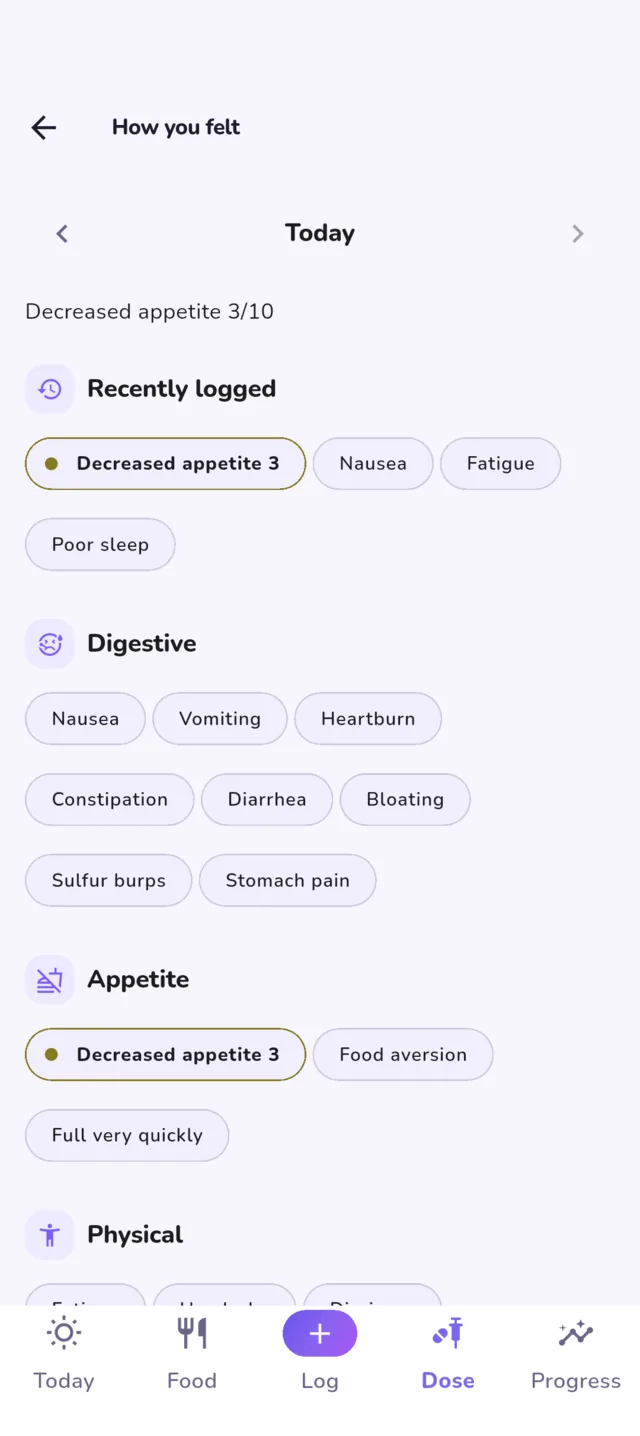
FreeA daily log of how you felt, grouped by kind, with a severity scale and your own notes. Log it from the quick sheet or with a shot. It is the difference between "I think the 7.5 was rough" and knowing which week, and what else was going on.
Backup, export and looks
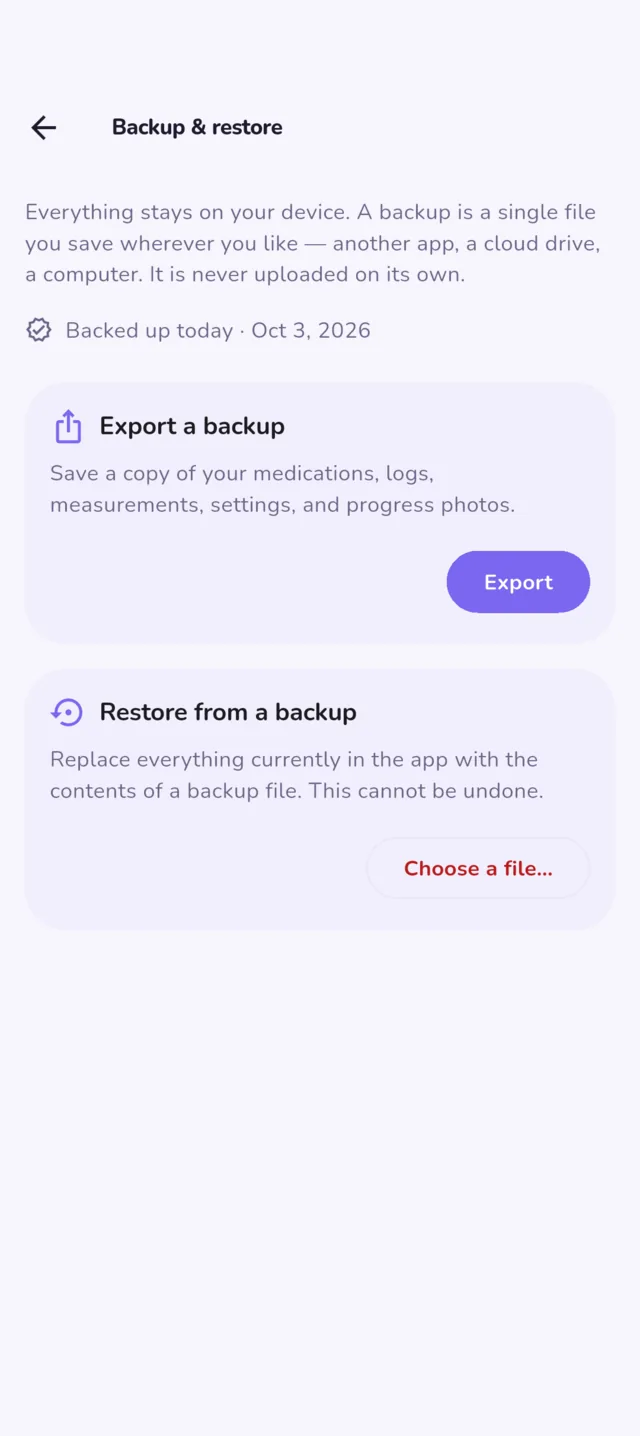
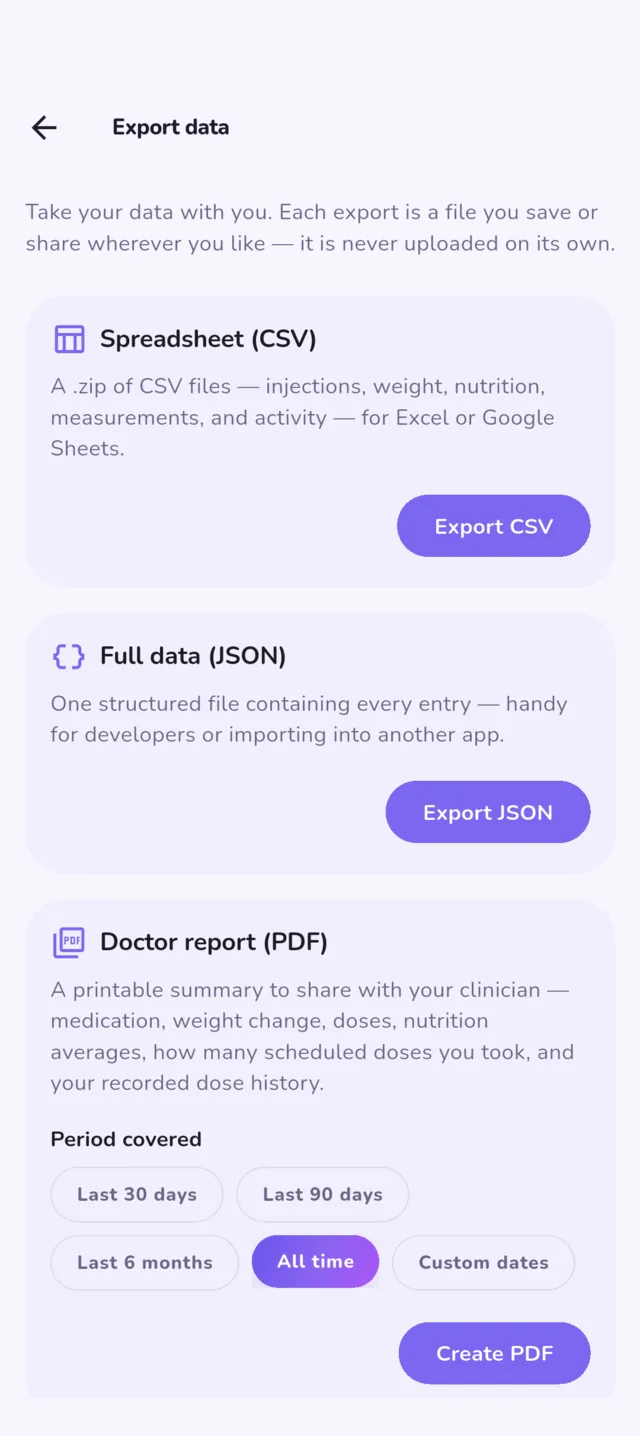
Free Four more themes in the unlockThere is no cloud, so nothing is backed up unless you do it: one tap makes a file you keep, and restoring it on a new phone brings everything back. Export as CSV, JSON, or a PDF report for your clinician. Reminders never name the medication or the dose, so nothing shows on a lock screen.
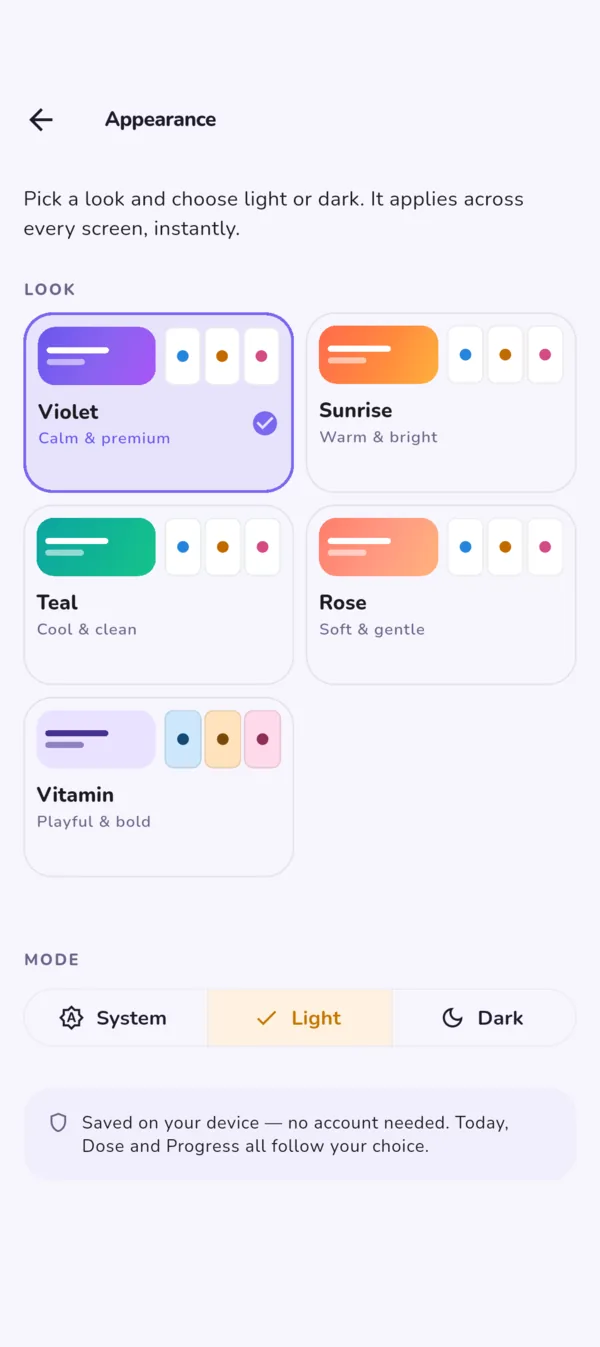
Five looks, each light or dark, following your phone if you like.
The tracker is free.
The extras are optional.
Everything that records your data is free, and stays free. If you want more out of what you have logged, one purchase adds the extras.
Free
$0
The whole tracker. Nothing you need is locked.
- Doses, injection sites, supply and reminders
- Weight, measurements and goals, with your health app’s weigh-ins
- Food, water, protein and fiber, offline
- Side effects and notes
- Progress photos, as many as you take
- The medication-level chart
- Ten charts made to share, and your journey card
- A PDF report for your doctor, and CSV and JSON export
- Backup and restore
Optional extras
$2.99 USD, once
Built on what you have already logged.
- Photo timelapse
- Lining photos up, and side-by-side compare
- Insight charts
- The extended clinician report
- Unlimited saved meals (ten are free)
- More saved journey cards
- Four more color themes
Not a month, not a year. Paid once, kept on your store account. Other countries pay the local equivalent.


Android 8 or later · iPhone with iOS 15 or later